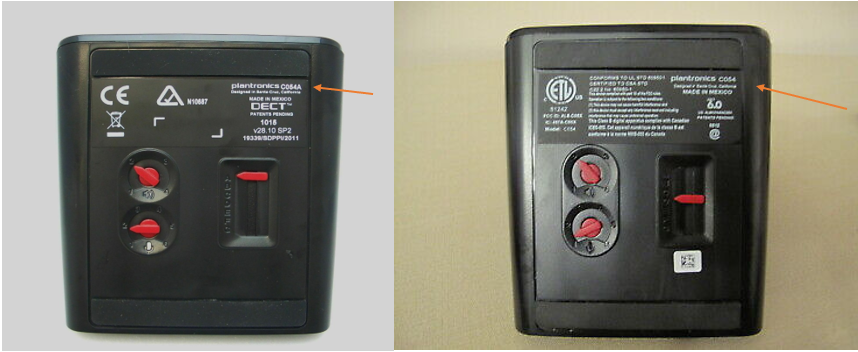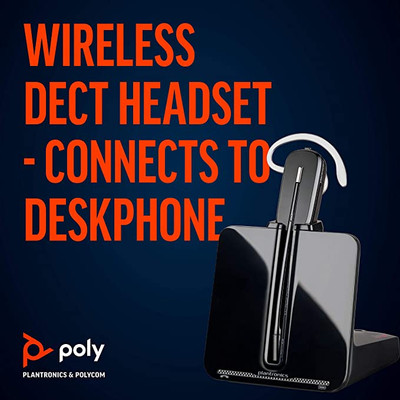
We all had been on that situation that we have to be on a phone call and it takes some time and is very important and have to rest the phone against our shoulder making it really uncomfortable and inconvenient as well, and for this reason, today we will discuss on how to install a headset to your office desk phone, your home phone, your computer and your mobile device or tablet and the best alternatives available for each one of them.
We are going to start with your office desk phone. Here we have 2 alternatives available, we can go with a corded headset or with a wireless solution, depending on the budget and on preference.
A. Corded Headsets for Office desk phones.

If we are heading towards a corded headset we have to consider a couple of things here that are essential for a headset to work properly. This is not rocket science, however lot of times if one doesn’t make a little of homework and end purchasing an items that are not fully compatible with their phone can turn an opportunity to a happy solution into a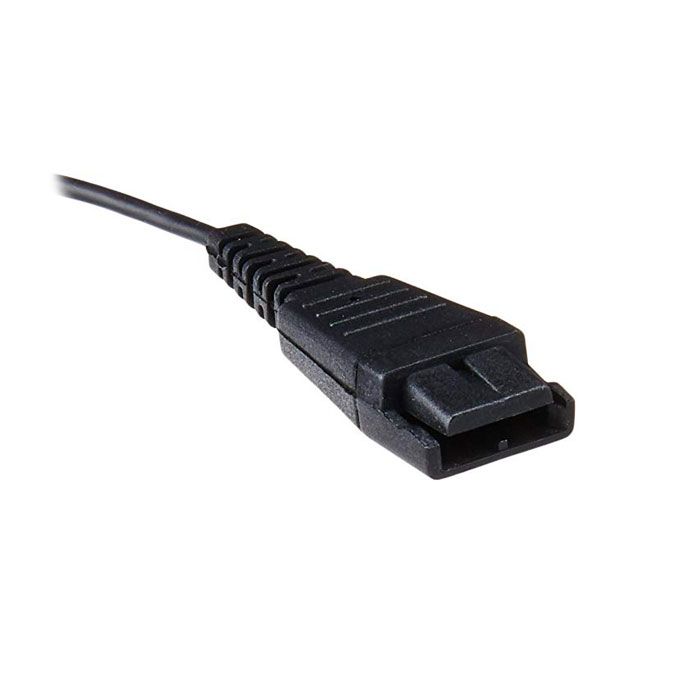 really messy frustration and annoyance. Most of the corded headsets for professional call center grade users are going to have a special connection called Quick Disconnect known as “QD”. This end can be easily confused with a USB port, which will discuss later. You should now asking “What is the purpose of this “QD” feature?” And the answer for this is that it allows a call center user to step away from the desk and take the headset with him/her and when coming back and engaging with a call they just attach faster and easier than taking headset on and off or plugging unplugging from the phone.
First, we need to know if your desk phone has a built in amplifier. You are going to ask “How can I find out that?” and “Why do I need that for?”. The answer to the first question is that if your phone has a built in amplifier makes easier to get a headset to plug in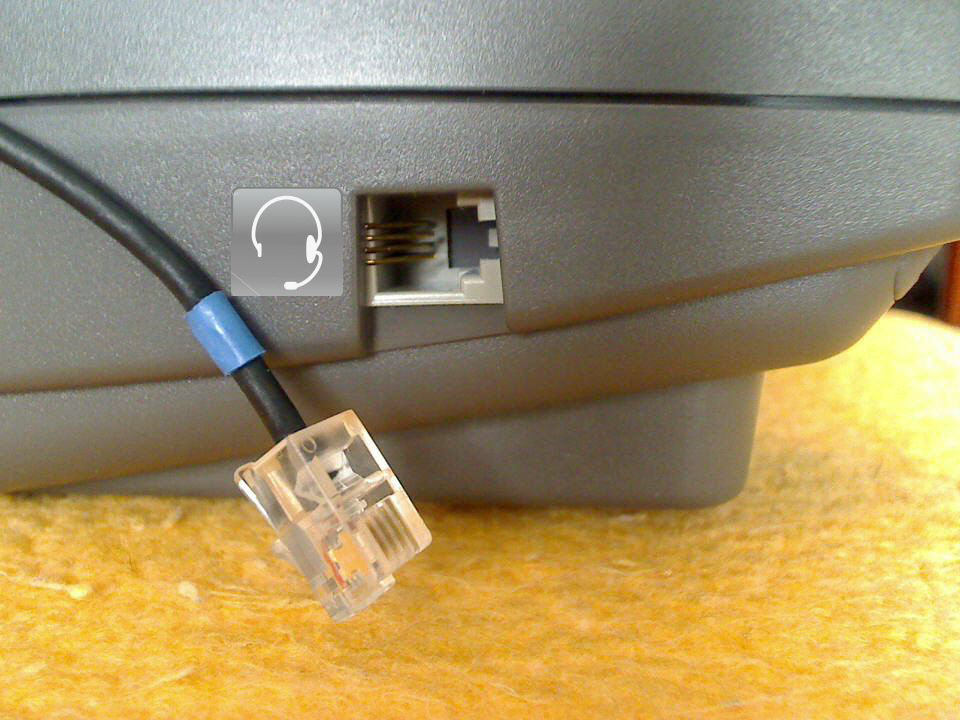 directly to the phone. The answer to the second question is that with the built in amplifier you can answer the calls from the phone itself so when you have your headset plugged in you don’t need to pick up the handset at all, you can answer the call by pressing the headset key and you can modulate the
 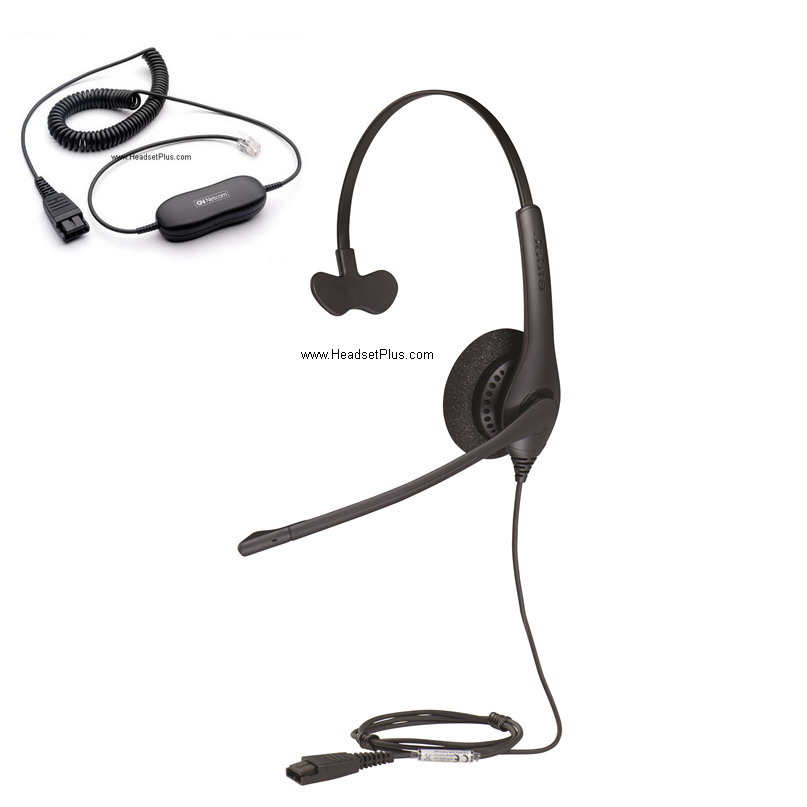 volume coming to headset and even mute the microphone. As you can see in this picture, this desk phone has a headset port on the side, and for the same reason it has a built in amplifier. The corded headset for this case in an entry level would be the Jabra Biz 1500 Mono Direct Connect if want to keep it in a friendly budget with noise canceling microphone and with an over the head wearing style headband covering one ear so the user can be aware of the surroundings. If it’s a loud environment and it’s
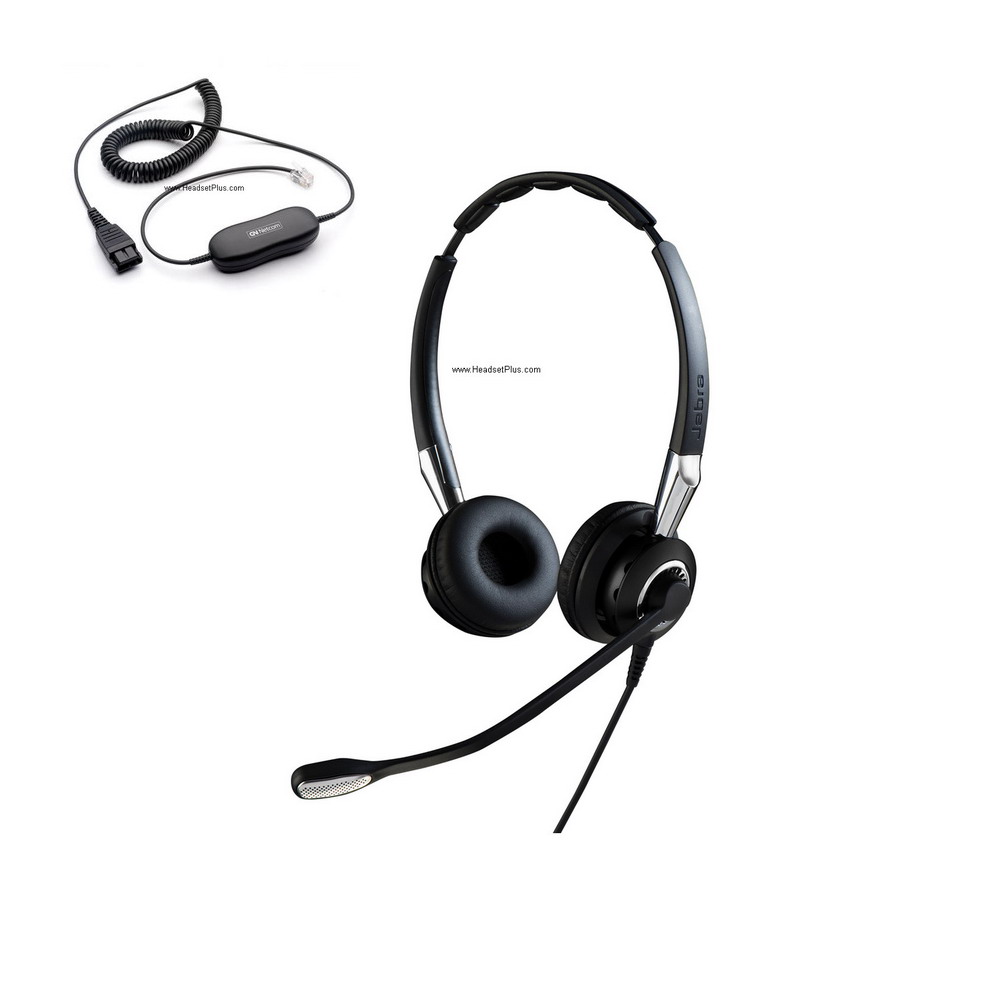 required to cover both ears so the user can focus on the call and with a better noise canceling microphone I will recommend the Jabra Biz 2400 II Duo Ultra Noise Canceling Direct Connect Headset, as you can see the headset has leatherette ear cushions instead of foam, covering both ears with Kevlar reinforcement and wiring, making it a lighter and more durable unit and with Jabra’s own Ultra Noise Canceling microphone, that is the best in its class for loud places.
What happens if your phone doesn’t have the mentioned built in amplifier or headset port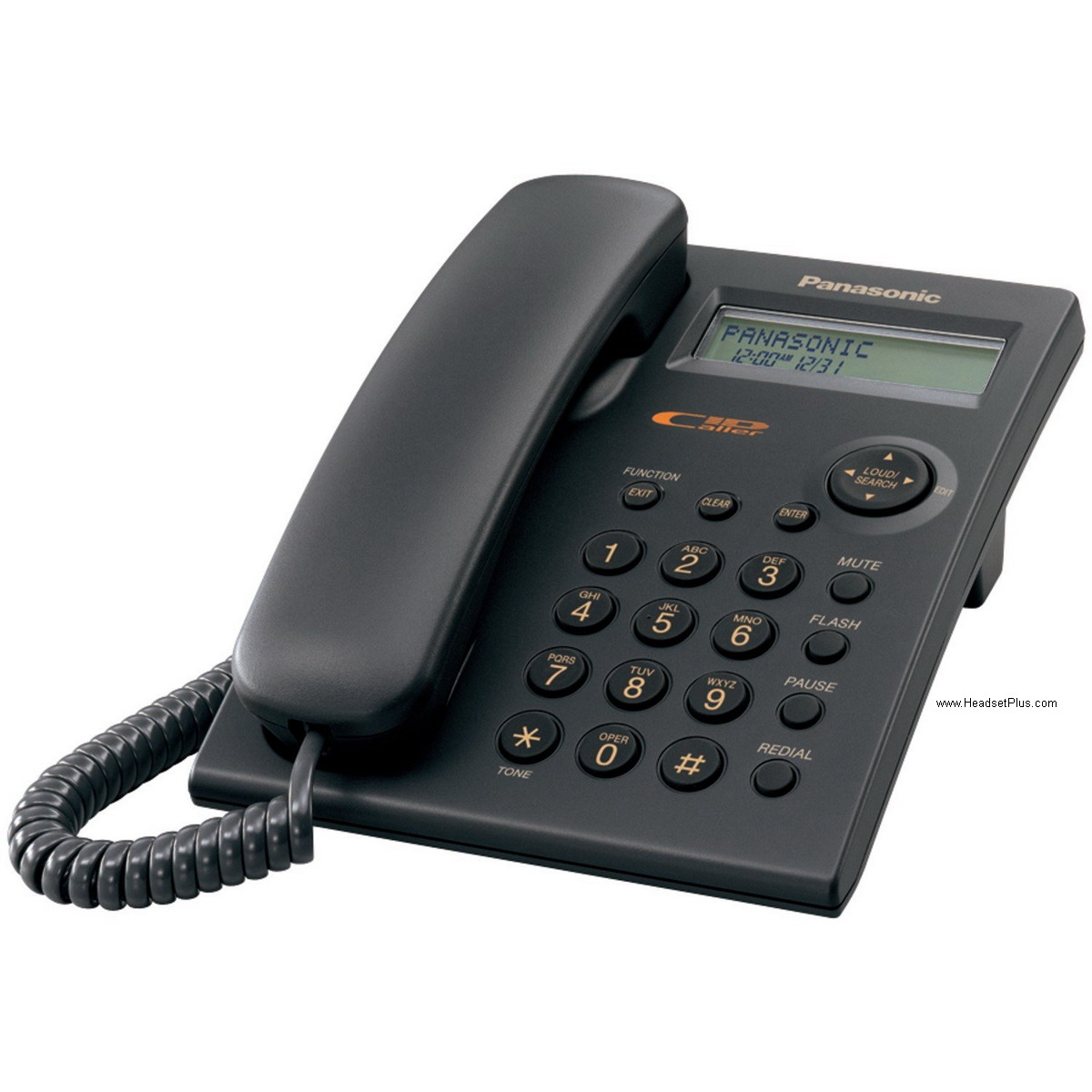 or headset key? Not to be afraid as you can get a corded headset for those desk phones you are going to need an
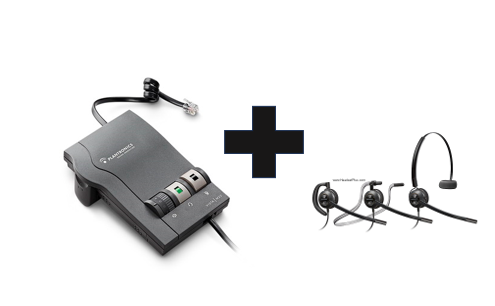 external amplifier and then a corded headset. With the combination of those two items will work with virtually any desk phone. I recommend the Plantronics M22 Vista amplifier and the Plantronics HW540 EncorePro 540 Headset.
If you are in need of a headset compatible with your hearing aids is advised to get this 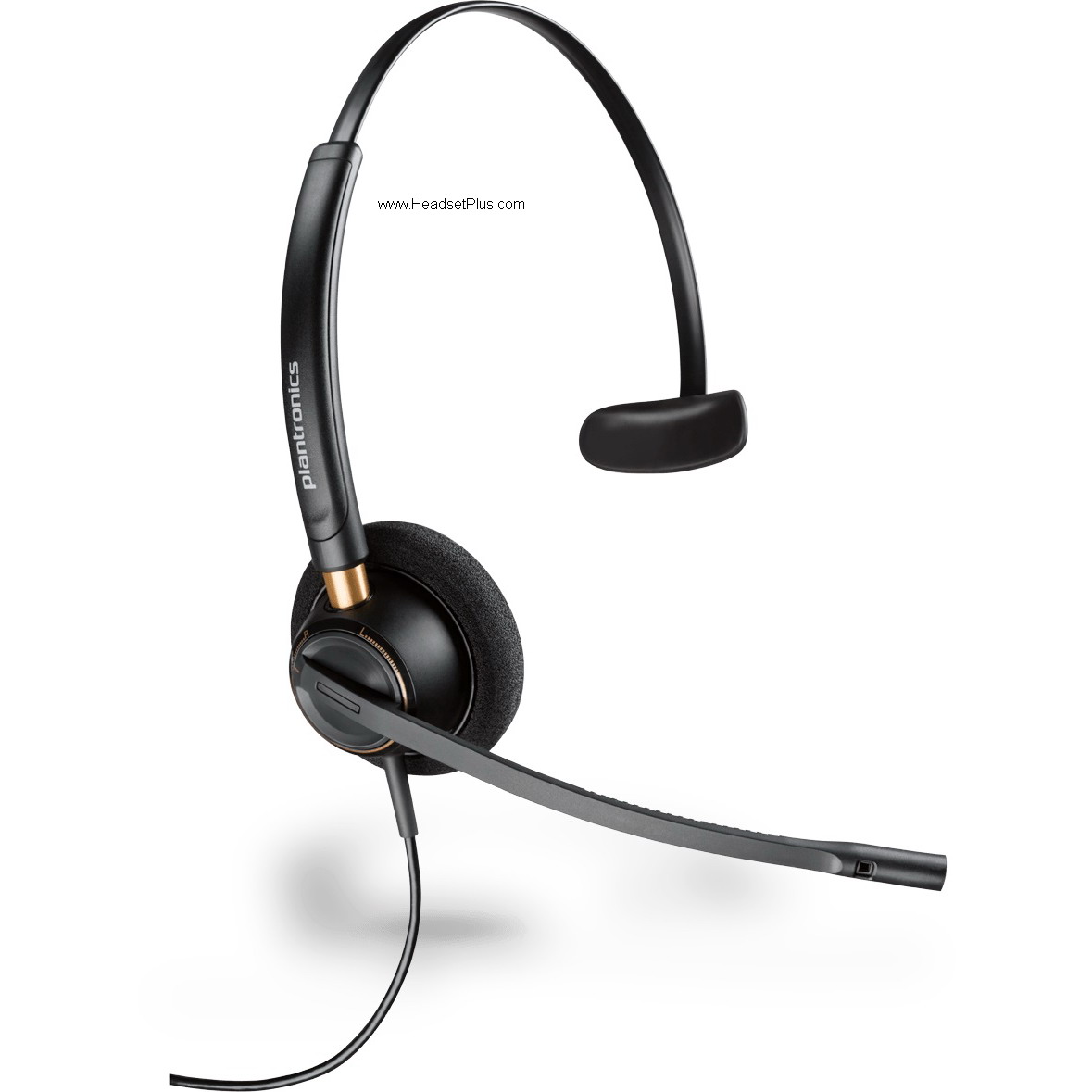 setting as well, even if your phone has the built amplifier as the external one will increase the volume coming to the headset. For hearing aid compatible headsets compatible with the M22 amplifier
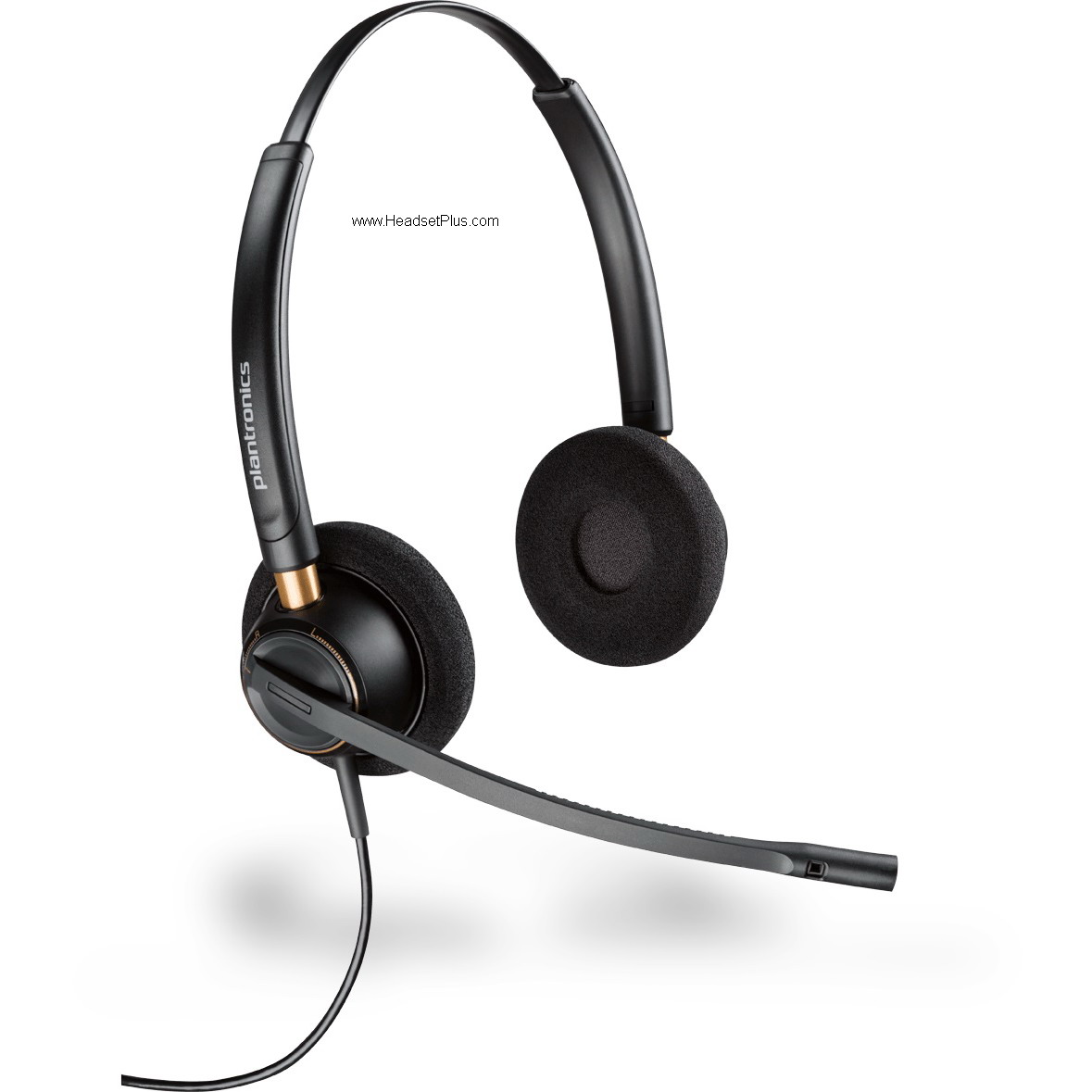 I will recommend the Plantronics HW510 EncorePro 510 Headset if want to cover 1 ear, if need to cover both ears I will recommend the Plantronics HW520 EncorePro 520 Headset, this would be the best solution for someone with hearing aids as the HW520 is a true binaural sound headset, so the sound comes from both speakers.
Another case 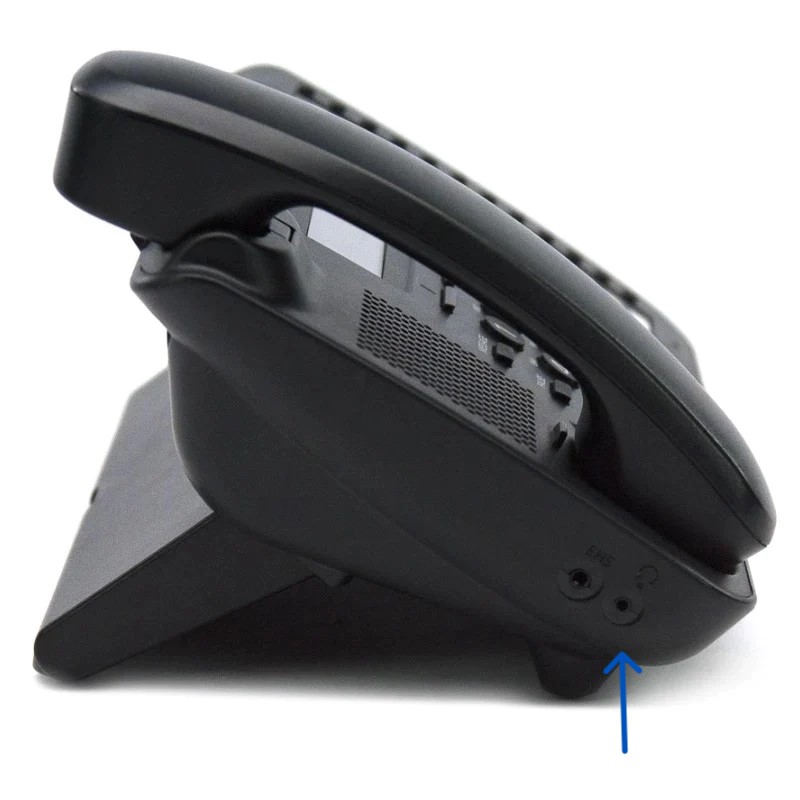 that we might find in your desk phone can be that it has a 2.5mm jack on the side. This means that the built in amplifier is on place and you can simply connect a
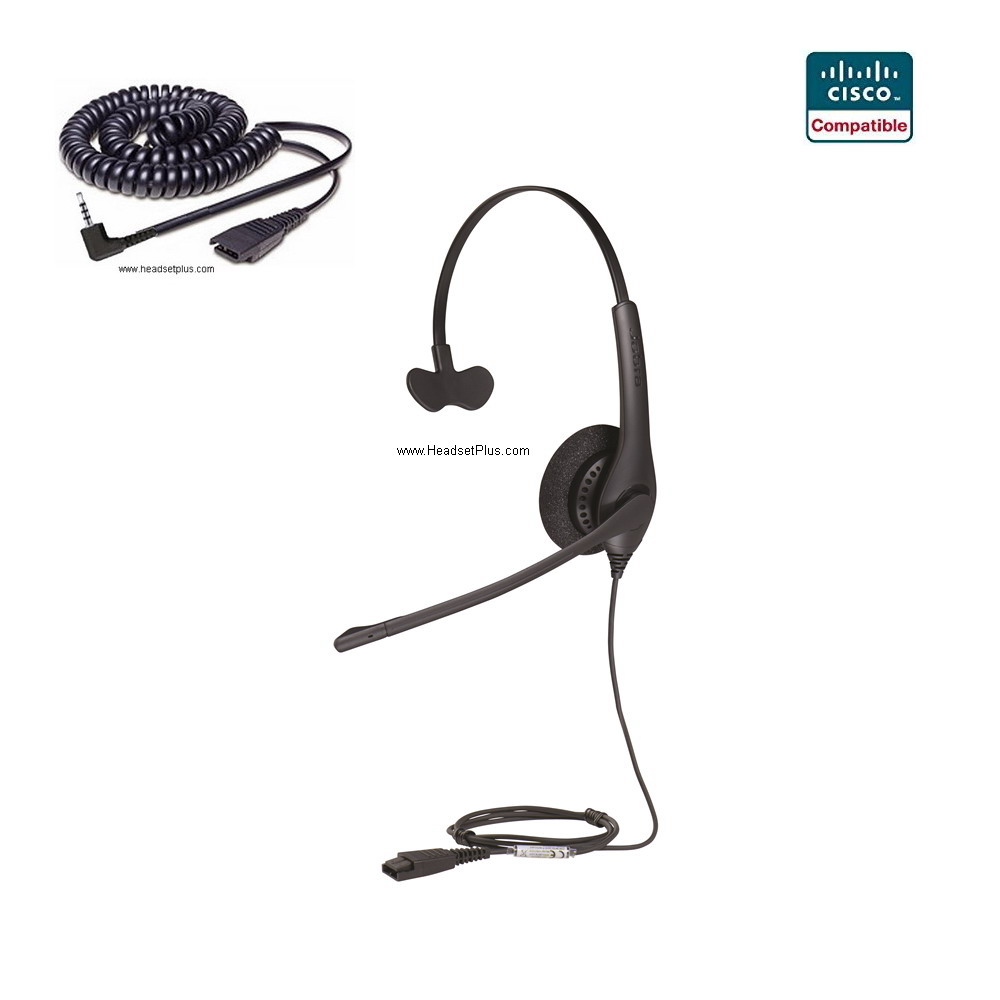 2.5mm headset. If want to keep it in a friendly budget you can go with the Jabra Biz 1500 Mono Cisco SPA Headset. Special mention here is that perhaps your desk phone with a 2.5mm jack is not a Cisco, it can be either a Panasonic or Toshiba for example, nothing to worry about as the 2.5mm jack is a universal port and for the same reason the Cisco adapter included in t will be fully compatible.
We are going with a new case now, modern desk phones from for 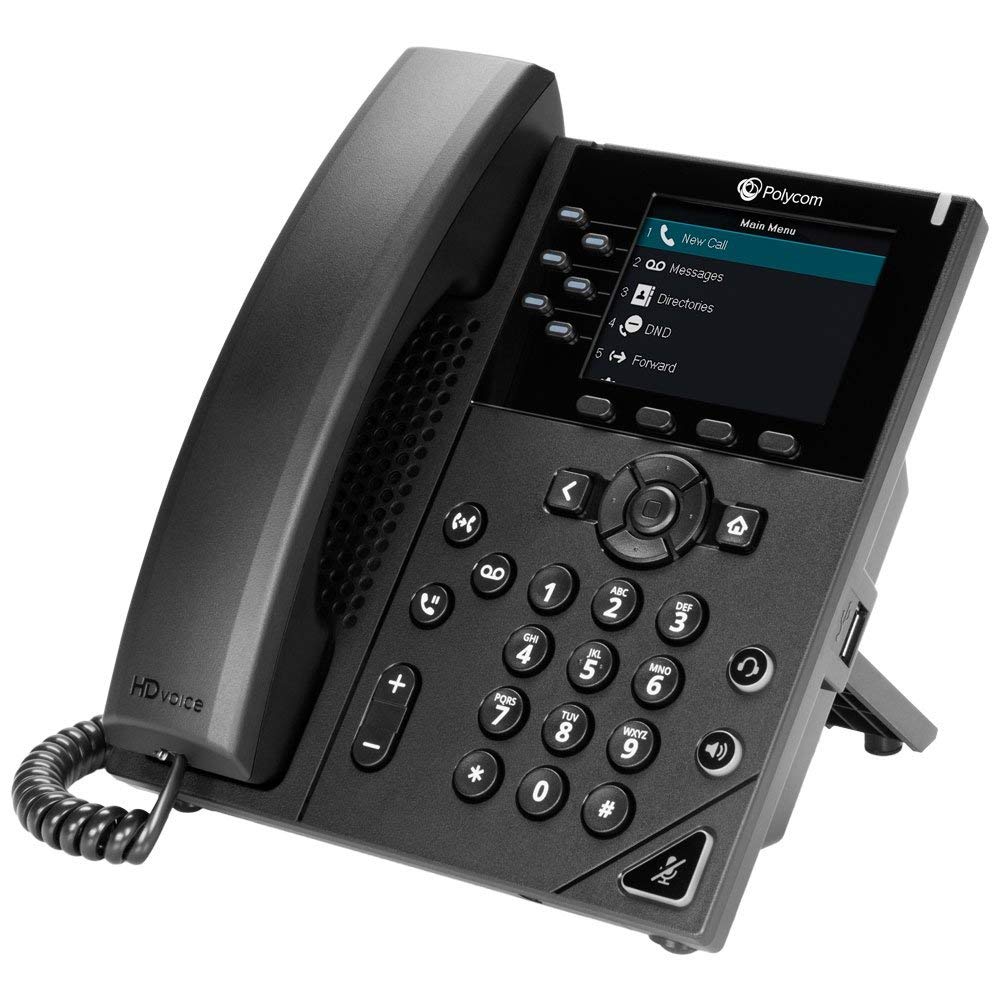 example Poly or Yealink come with a USB-A port on the side, back or top of the phone. For this reason you can either get the first mentioned headsets or you can get a USB corded
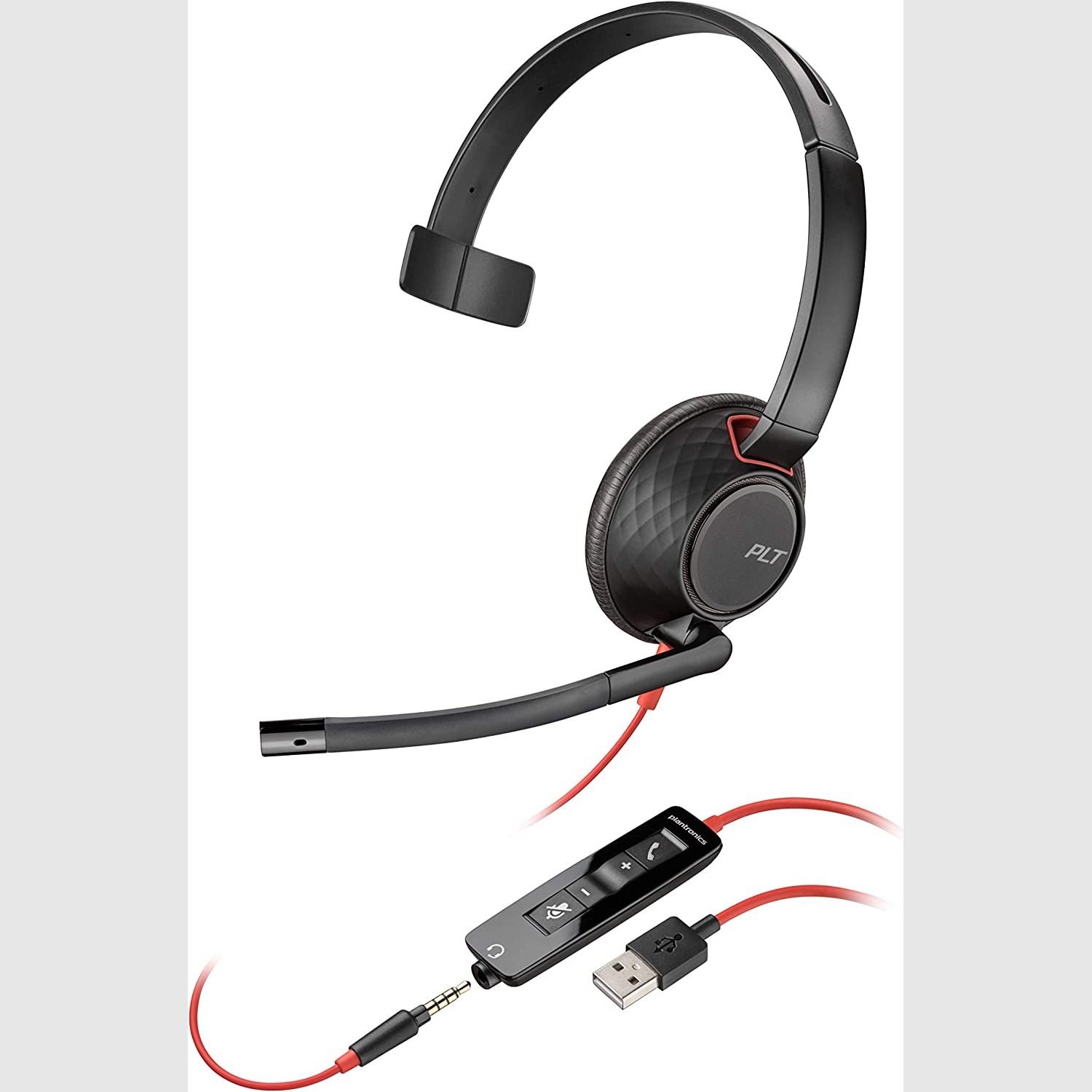 headset. This port needs to be enable to receive a corded headset. If the port is enable as soon as you plug in the headset the phone will give you a notification (visual and a alert) and then you can answer or end calls by pressing the headset key on the phone. For this kind of desk phones I will recommend the Plantronics Blackwire 5210 USB-A Headset. Easy to use, comfortable to wear and an affordable option for desk phones with USB-A enable ports.
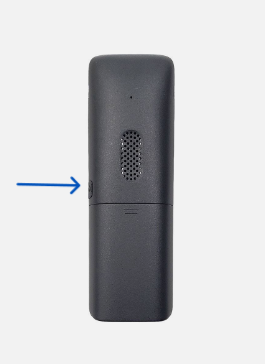 But here is another question “I have a Yealink W-Series cordless phone, how can I get a headset?” The answer for this question is you need to check the side of your phone, you should find a covered 2.5mm or 3.5mm jack. If you have any of the Plantronics H-Top headset, you will need the Plantronics 2.5mm QD cable if you have a Yealink W52P or the Plantronics 3.5mm QD cable if have a Yealink W56P/W56H/W53H/W53P.
B. Wireless Headsets for Office desk phones.
We had discussed on how to install corded headsets for your desk phone, now we will discuss how to install and which wireless headset are recommended for your phone. We will show you how to properly install your wireless headset on your desk phone as there are 2 ways how to make it work and will explain the main difference between them.

The first way is the most common for virtually any desk phone with a corded handset 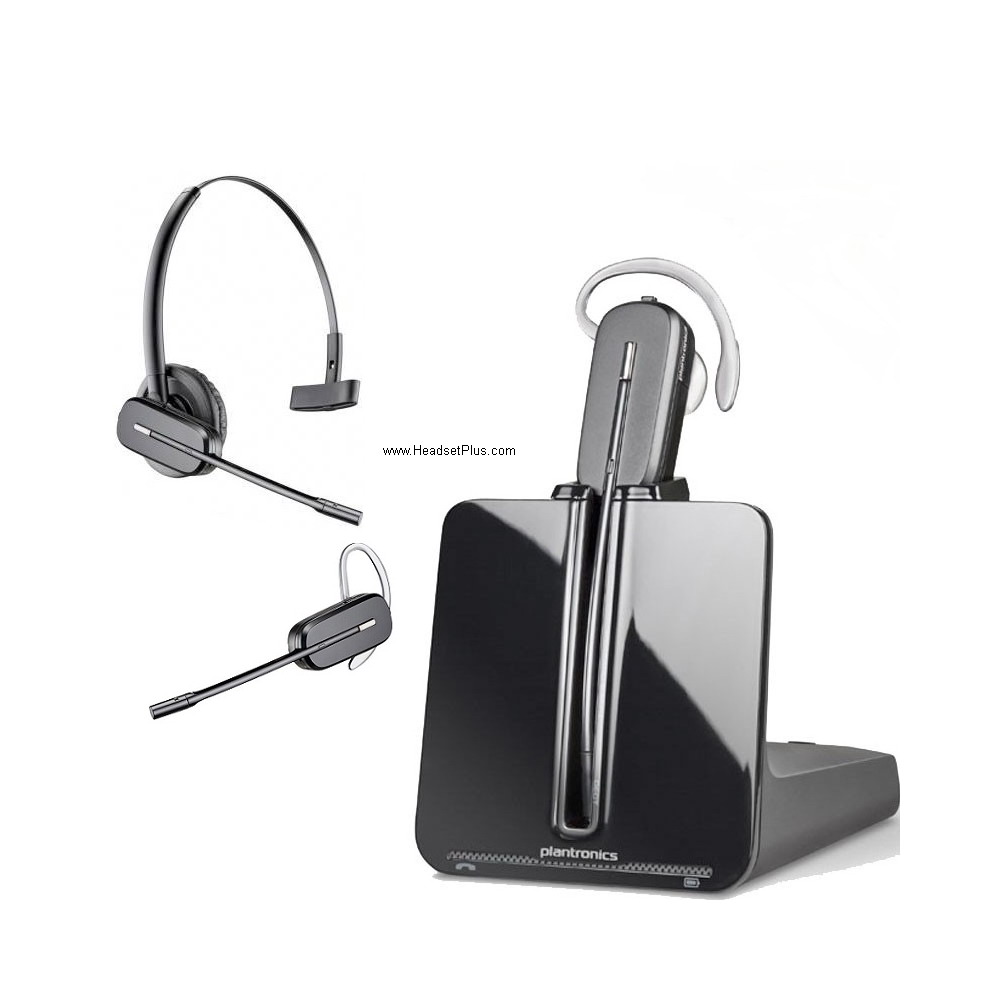 (receiver). This can apply to VoIP and analog desk phones as well. We are going to recommend the Plantronics CS540 Headset as its a well known unit for the next setup. This headset is a Wireless DECT frequency headset, allowing people to roam around the office up to 350 feet on line of sight and allowing to go thru walls without cutting in out while on a call.
First step will be to unplug the handset (receiver) from the base of the phone, then using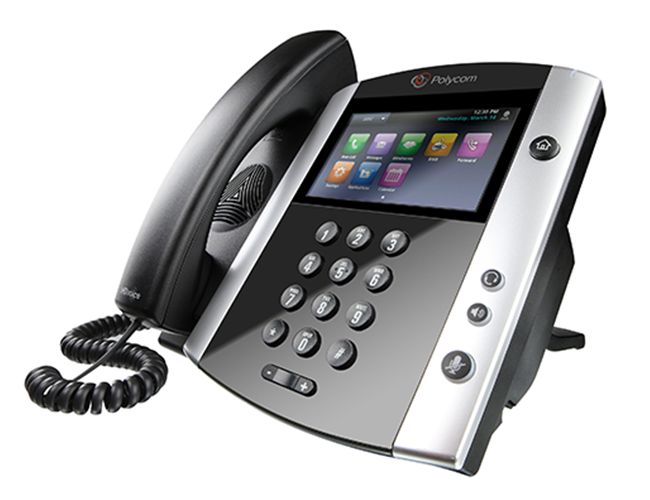 the telephone interface cable that comes with the CS540
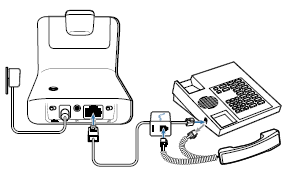 headset plug in the handset to it, one of the ends of the interface cable gets plugged into the base of the wireless headset and the other end goes into the handset port of the phone (the one that you just freed). We are then going to plug in the power adapter into the base of the CS540 and let the headset to charge for at least 20 minutes, you will see the blinking lights once it gets powered up and charging.
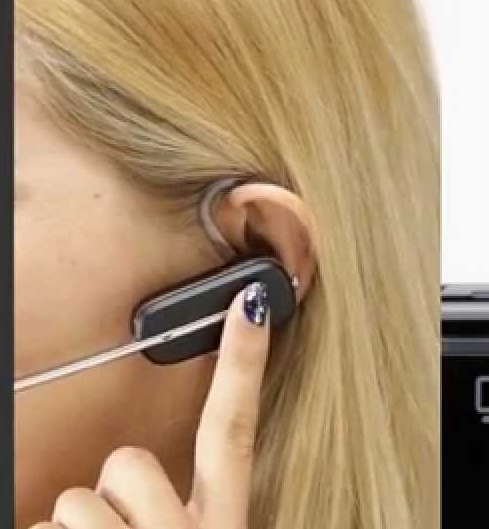 Now, we are going to put our CS540 headset on, then take the handset off from the phone and press the Answer/End call button (silver one), you should hear the dial tone from the phone. You would be able to modulate the volume coming from the headset and mute the microphone.
This installation is recommended for desk phones with no built in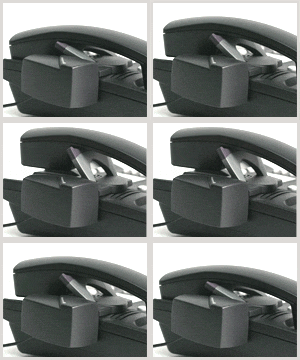 Electronic Hook Switch (EHS) capability. The user can attach a Plantronics HL10 Handset lifter, and this device will pick up the handset for you from the distance.
 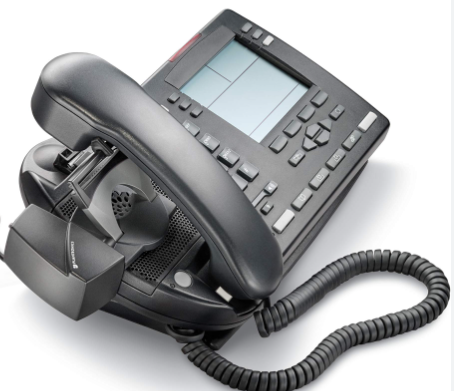 For telephones with the EHS function built in we will discuss down how to properly install your wireless headset and what to do before doing that.
There are going to be some models of office desk phones that are not going to be HL10 lifter compatible mainly because the design of the phone creates a conflict with the handset and the lifter, and when the user tries to pick up the handset with the HL10 lifter what happens is that it drops the handset or can’t pick it up, for those cases you will need to get something from either Jabra with its GN1000 RHL or from Sennheiser with its HSL10 II lifter, the design of these 2 lifters are the best advised units for this cases, make sure that you can not mix and match wireless headsets and lifters, this means that you need to get something from Jabra if plan to get the GN1000, like the Jabra Pro 920 or the EPOS Impact D10 II headset if plans to get the HSL10 II.
Now we will discuss how to install your Plantronics CS540 with a phone with EHS function as most of the new desk phones mainly VoIP desk phones have that function and instead of using the HL10 lifter they require a special cable, however is advised to always speak with a live person in order to get the proper cable as it’s not a mix and match situation.
First check on the back of your phone, and you will find the headset port and usually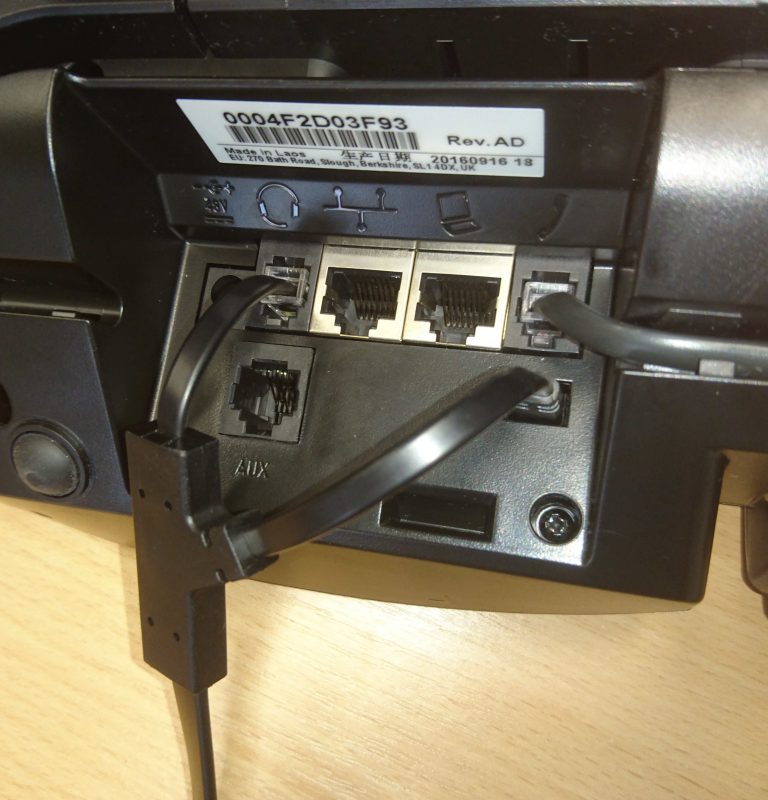 closer to it on the opposite corner you should see extra ports, like the handset port, the ethernet port and then extra ports, depending on the model of phone it can be labeled as “AUX”, “EXT” or “EHS.
On this picture we have a Polycom VVX desk phone, VVX’s have a tiny little port with 5 prongs and is not labeled, so you 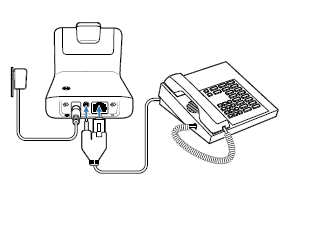 don’t have to worry. Most of the EHS cables are going to have a funny or weird design mainly because they have to plug in both ports at the same time and the other end gets plugged back in the base of the CS540. When using a EHS cable for the remote answer we are not going to need the Telephone Interface cable as these cables act as the mentioned cable, so you can store it in a safe place, being careful of not tossing it as you never know when you will need it.
Depending on the situation, you might need a Plantronics Amplifier Cable Extension cord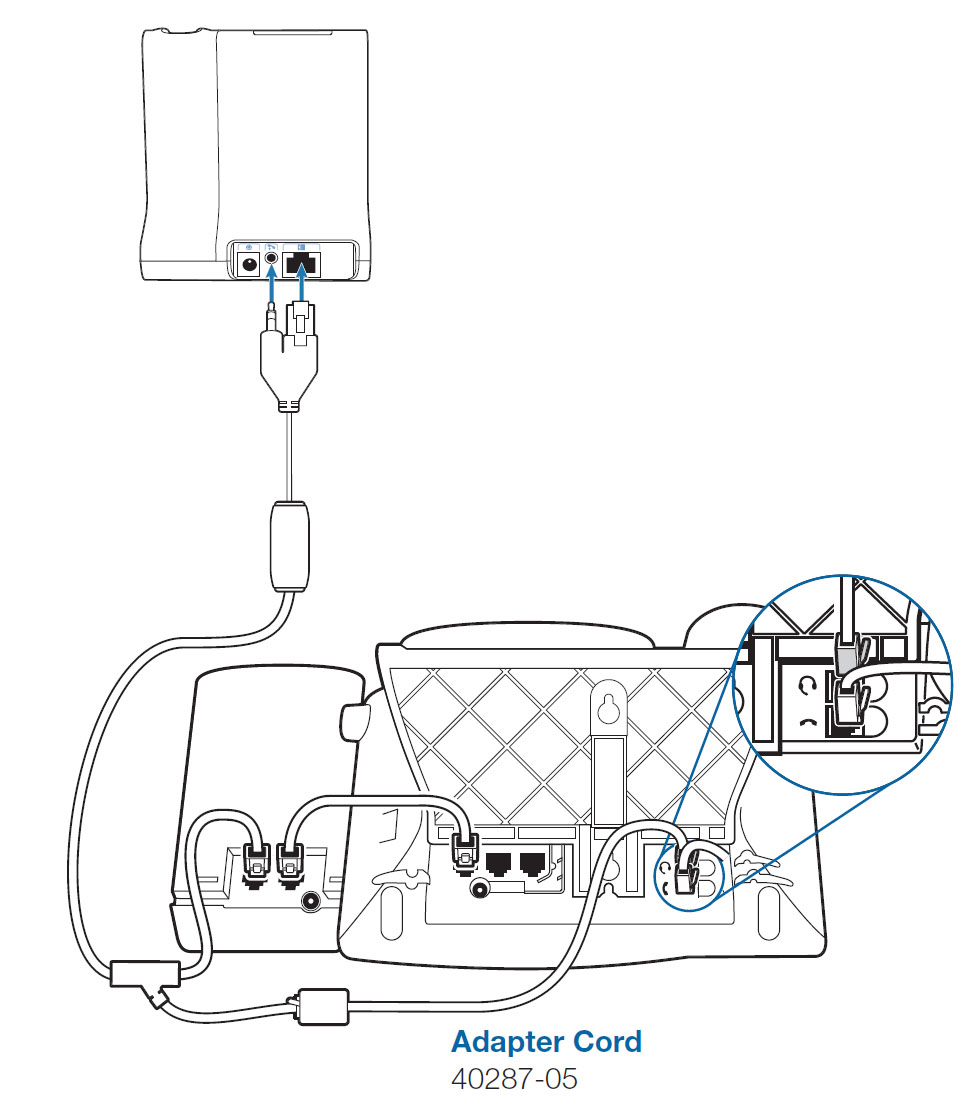 if
if 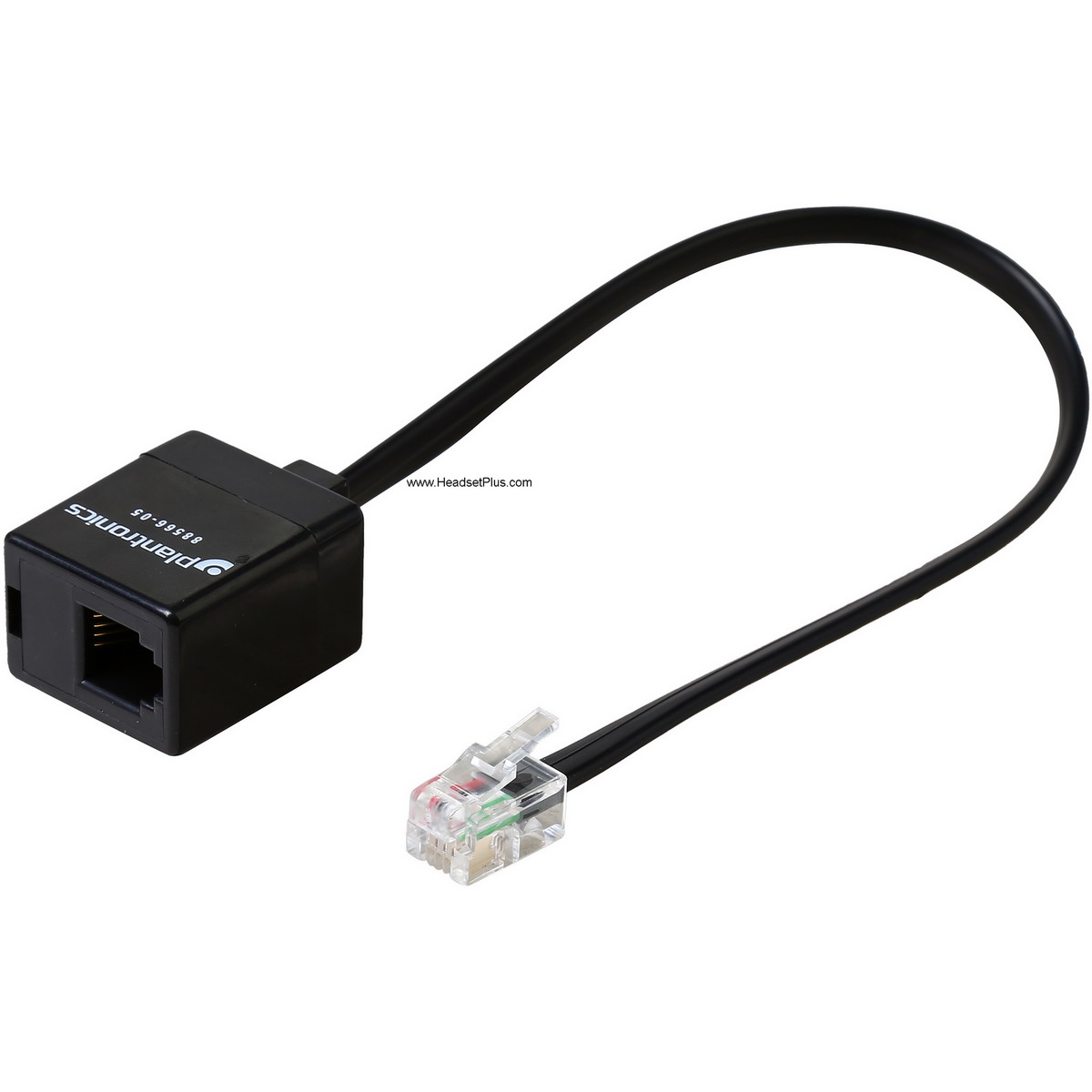 your Cisco or Polycom desk phone has a sidecar, because the EHS cable will not be long enough to reach to both ports, as the sidecar takes space on the back of the phone and one of the EHS cable ends is not long enough to reach to the headset port on the back of the phone.
Before plugging in your EHS cable to the phone and the base of the wireless headset, you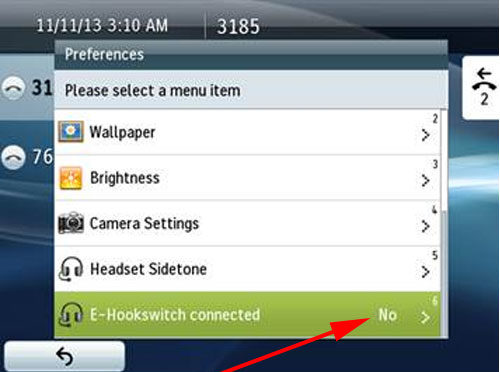 need to enable the EHS function on the phone as by default is not enabled from the factory and a lot of times people think that their new wireless headset is not working or the EHS cable is at fault. Depending on your model of phone you need to go into the settings and then on the headset settings, from there you need to find the “EHS Function” and turn it on by selecting the brand of headset/EHS, the phone will have a list of them among them will be Plantronics/Poly, Jabra or Sennheiser. It is important to do this before plugging in because the phone will restart and after the phone restarts it will be ready to simply plug and play.
After all the steps are done, you don’t have to pick up your handset to use your headset on taking or ending calls. Simply put your headset on and press the Answer/End call button (silver one), you should hear the dial tone from the phone. You will notice that some lights on the desk phone will turn on, depending on the model, such as the headset light and you will hear a “click” on the base of the wireless headset, this is normal as the base is trying to let you know that is connecting to the phone and you should be able to hear the dial tone of your phone.
Things to remember with a wireless headset are things like in order to avoid static when 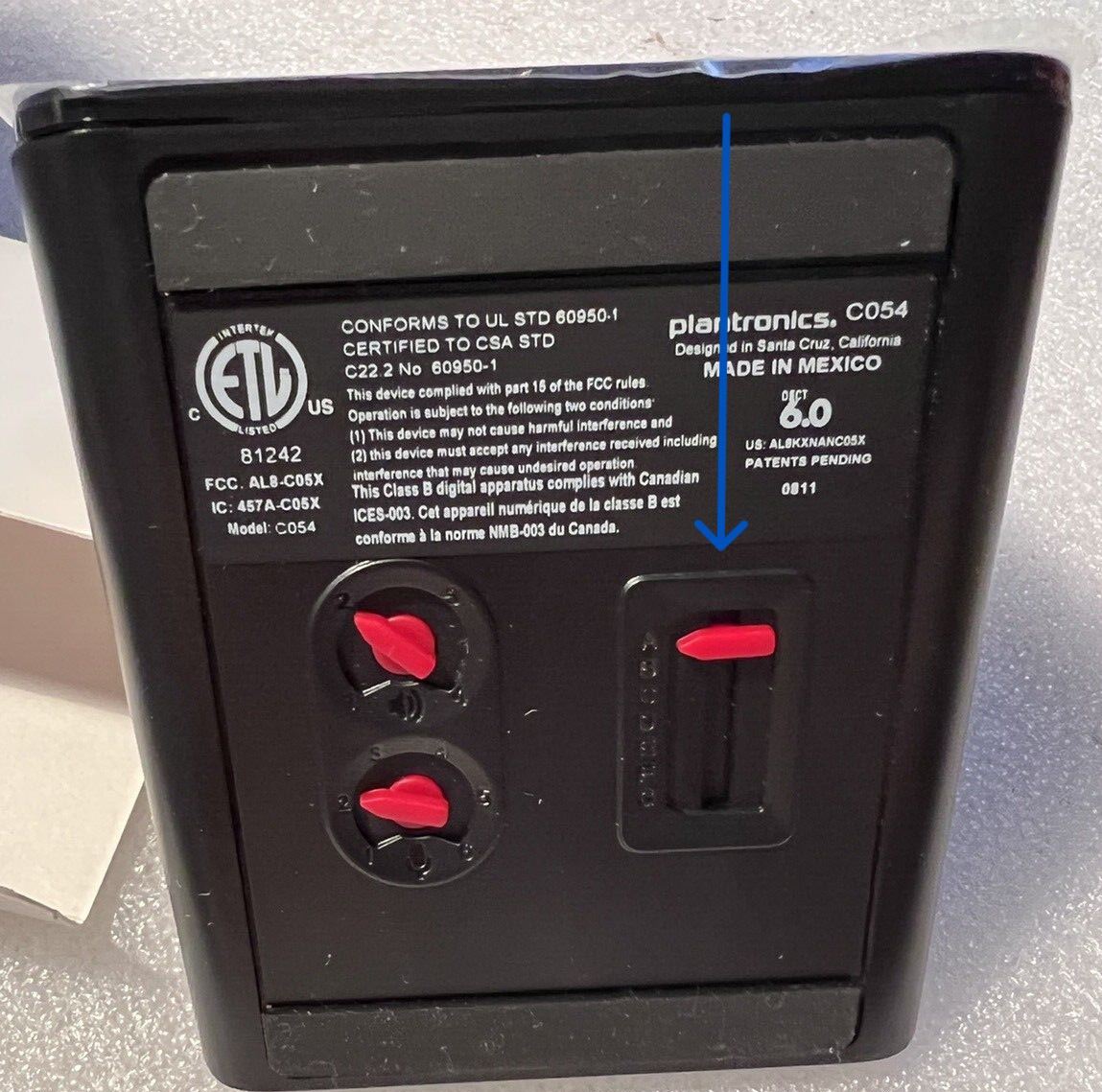 using the wireless headset you need to place the base at least 12 inches apart from your computer and at least 6 inches from the desk phone. If you are in the middle of a call and walking around and you start hearing static means that you are loosing range so you need to get a little closer to the base to avoid that static. A lot of times people don’t hear a dial tone at all, this is an easy fix, you have to turn over the base of your wireless headset and change the setting on the Configuration Switch (it goes from A-G), considering that A is the preferred setting for most of the desk phones and D for Cisco desk phones with no EHS cable.
Now we will discuss solutions for home desk phones. Everyone at home still on these new age days has a phone at home and sometimes people would like to get their hands free for example if need to take a note or if they are doing chores while on a call and we will analyze some offers next.
The good thing about what we had read so far is that a corded or wireless headset for a home phone applies the same rules as for the office desk phones. This means that in order to get a corded or wireless headset your home phone needs to have a corded handset (receiver), this recommended headsets are compatible with home phones that are laying down in the table, this means that not compatible if you have your desk phone mounted on the wall or you have one of those specialty theme phones like the classic clam burger phone, or the Mickey Mouse phone or the most common known “Princess Design” phone and those cordless phones will have something to be used but will discuss that down the road.
C. Corded headsets for Home desk phones.
For corded headsets the recommended solution would be the Plantronics M22 Vista amplifier and the Plantronics HW540 EncorePro 540 Headset. As we discussed before is the same principle, we need to unplug the handset from the phone, then plug in the handset into the M22 Amplifier and the amplifier gets plugged back into the handset port that you just freed. The HW540 headset gets plugged into the M22 and as soon as you pick up the handset and put it on a side you will hear the dial tone on your headset.
D. Wireless headsets for Home desk phones.
For a wireless headset will recommend the the Plantronics CS540 + HL 10 Wireless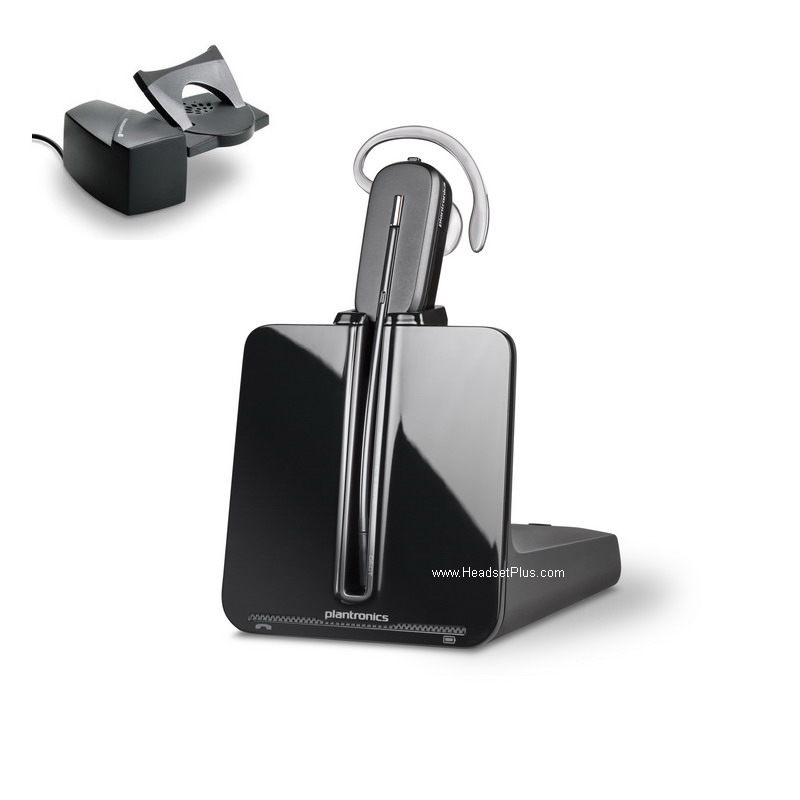 Headset Bundle. With this setup you get a good quality headset and the remote answer for your desk phone. All the analog desk phones don’t have the Electronic Hook Switch (EHS) capability as this is designed for VoIP lines, for the same reason there’s no cables to do the remote answer with your home desk phone, however the Hl10 lifter will work and will do a good job.
As mentioned before with office desk phones without EHS capability sometimes the design of the phone can create incompatibility issues with the HL 10 lifter and for same reason you will need to go with a different brand that will avoid this.
E. Corded headsets for cordless home phones.
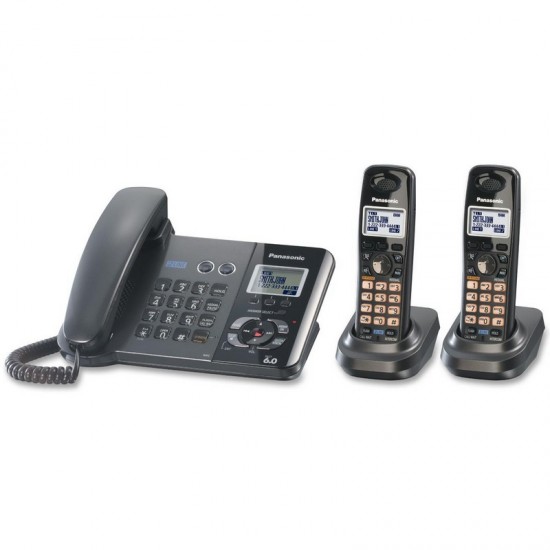 For those cordless phones you can get something corded or wireless depending on the budget. The corded solution is usually the less expensive and it is a straight forward solution, as those cordless phones have a 2.5mm jack on the side and for the same reason you can get Jabra Biz 1500 Mono Cisco SPA headset. In this case the coiled cord perhaps will be a little too long for some users as it might be tangling a lot. If that is the case, you can replace that cord with the Jabra 2.5mm Headset adapter as this cord is only 5 inch long straight non coiled design.
F. Wireless headsets for cordless home phones.
For a wireless solution for cordless phones I will recommend the CS540 headset from 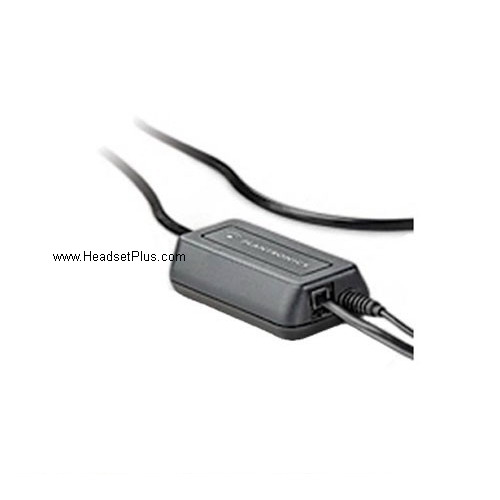 Plantronics and you will need to plug the base of the wireless headset into your phone line using Plantronics TR-11 Analog Adapter.
 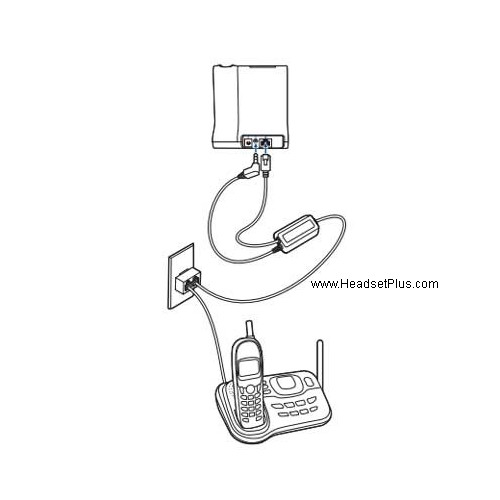 Then you will need to get a line splitter so you can have your cordless phone plugged to your line, then you plug in the TR-11 adapter into the splitter as well and the other end of the TR-11 adapter goes into the base of the base of the CS540 headset and this will allow you to answer and end calls by pressing the Answer/End call button (silver one), as soon as you press it you should hear your analog dial tone. With this setting you can carry your cordless phone with you and with your headset you would be able the answer/end calls and make calls using the cordless phone dial pad.
As you can see, on analog home phones is a little simpler to get a headset and not so complicated as with the office desk phones. Now that we had gone with those 2 scenarios, now we will discuss how to install corded and wireless headsets on your computer.
G. Corded headsets for the computer.
BY 3.5MM jack.
With everyone now days on virtual meetings and webinars they need the best performance on a headset with microphone, for the same reason there are going to be corded and wireless solutions. Corded solutions would be the most budget friendly, 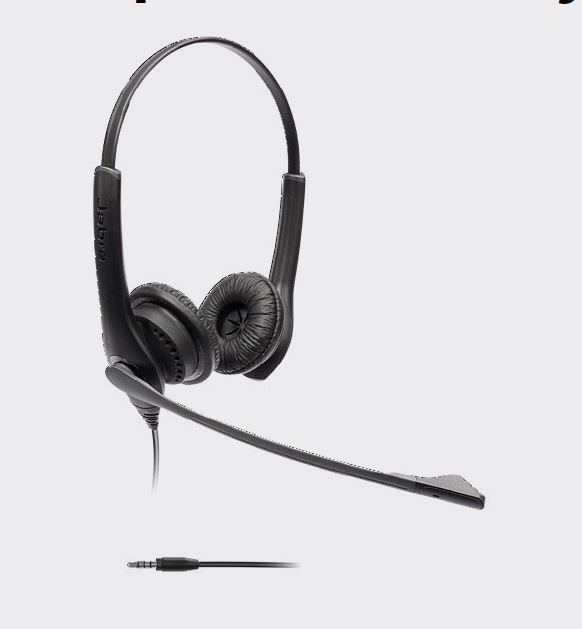 however there are some wireless alternatives that actually don’t break the bank and in all the following all are certified to work with all the UC platforms and certified for Microsoft Teams due to its outstanding performance in their microphones. To start we are going with the Jabra Biz 1100 EDU headset. This unit simply plugs to the 3.5mm jack of the computer and straight forward the sound coming in the headset and going thru the microphone would be processed by the computer, no need for additional software to download and fully compatible with Chromebooks.
BY USB port
In order to get the best sound quality incoming and outgoing the preferred method to do 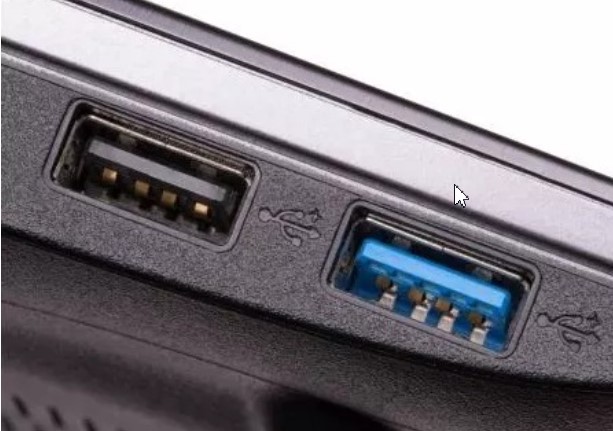 this us by the Universal Serial Bus (USB) ports, any computer has them available and offers less compromise compared with a 3.5mm jack as the USB ports were designed to plug and
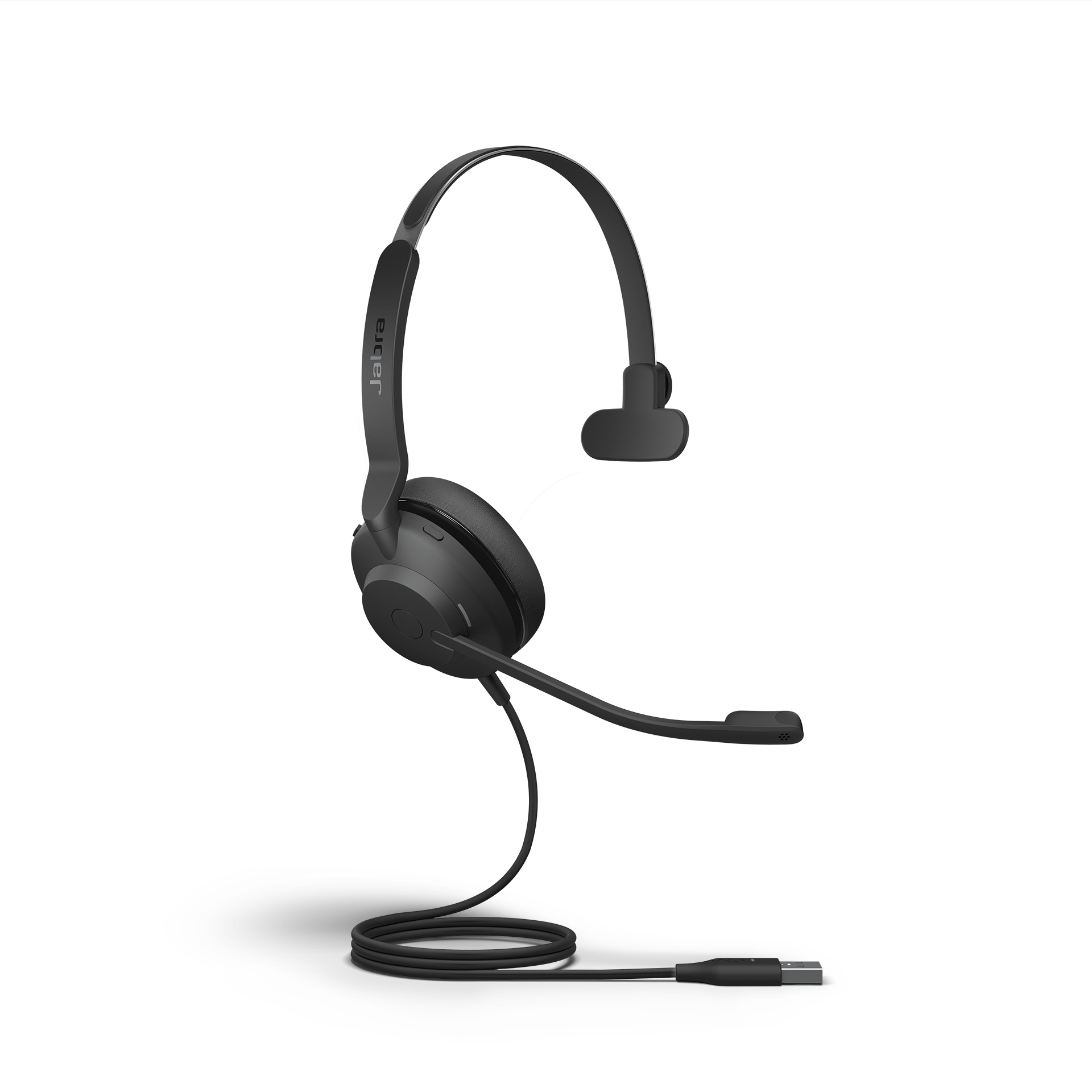 unplug devices multiple times. With this being said, the recommended headset with a nice price point and durability will be the Evolve2 30 UC Mono, this is the most comfortable headset for people to be on virtual meetings all day. One important thing to mention is that in order to get
 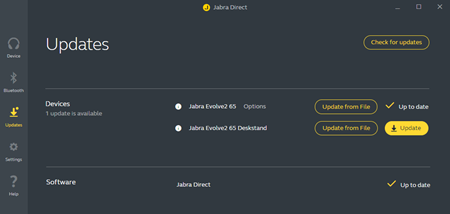 the full potential not just of the Evolve2 30 headset but virtually with any USB corded or wireless headset is that we need the third party software to be installed in the computer, as this works as a middle man between the headset, the computer and any UC platform. Besides that, it helps the headset to keep it updated with the latest firmware and depending on the features of the headset some customization is possible, like the turn on or off of the busy lights, sound adjusting, bass customization to mention a few.
H. Wireless headsets for the computer.
With wireless solutions for your computer we encounter 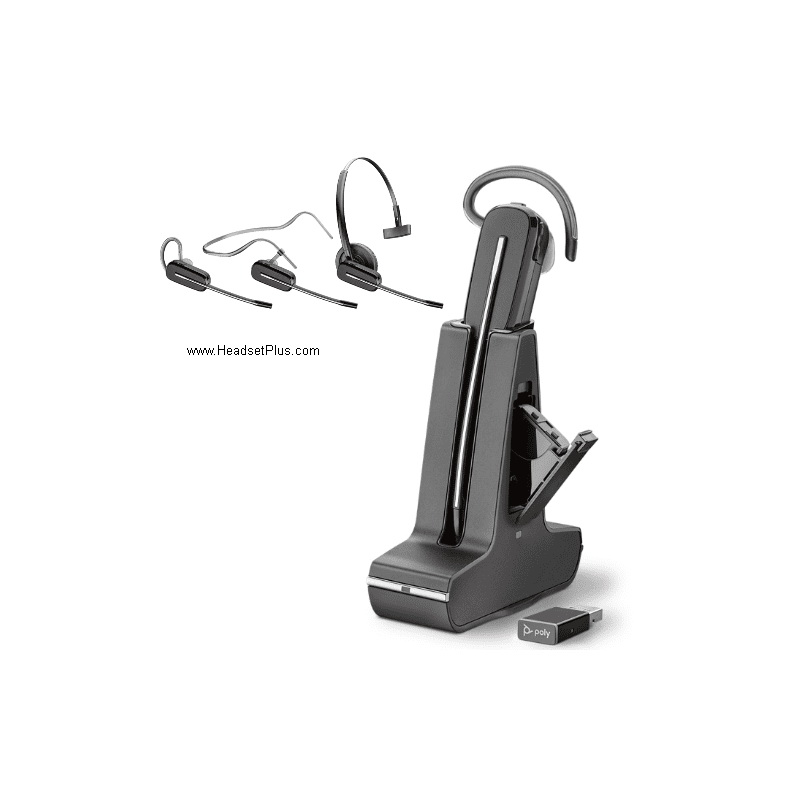 2 different frequencies from where we can choose, the wireless DECT and Bluetooth and w will explain the difference between these 2 and the pros and cons as well. Both of them are going to require a dongle or a base which will be plugged to the USB port of the computer.
DECT HEADSETS.
We will start with the DECT frequency description, as this is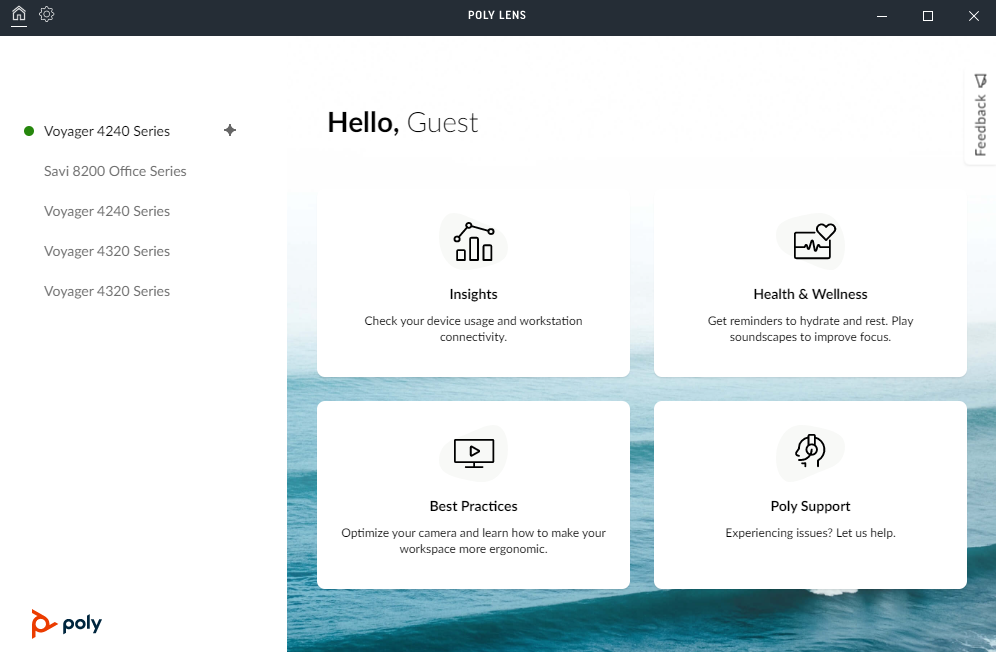 the one that provided the further range, the Poly Savi 8245 UC offers a range of up to 300 feet as its a wireless DECT headset, thanks to this the user can walk away and roam around. The benefits of this unit is that you get a further range and almost troubleshoot free when using it and almost no interference with nearby cell phones or computers as the frequency is Wi-Fi interference free. As mentioned before, in order to get the optimal performance when on calls you need to install the third party to update the firmware as is required especially by all the UC platforms. The drawback of this particular unit is the limitation to be used only on the computer which means that if you want to use it with another device is not possible. Another withdraw is in the not so easily to repair the dongle if needed, making it a little challenging for not tech savvy people and the last one will be the pricing as these units tend to be on the higher prices compared with the Bluetooth offers.
BLUETOOTH HEADSETS.
Now we go with Bluetooth connectivity for your computer, thanks to Moore’s Law every 2 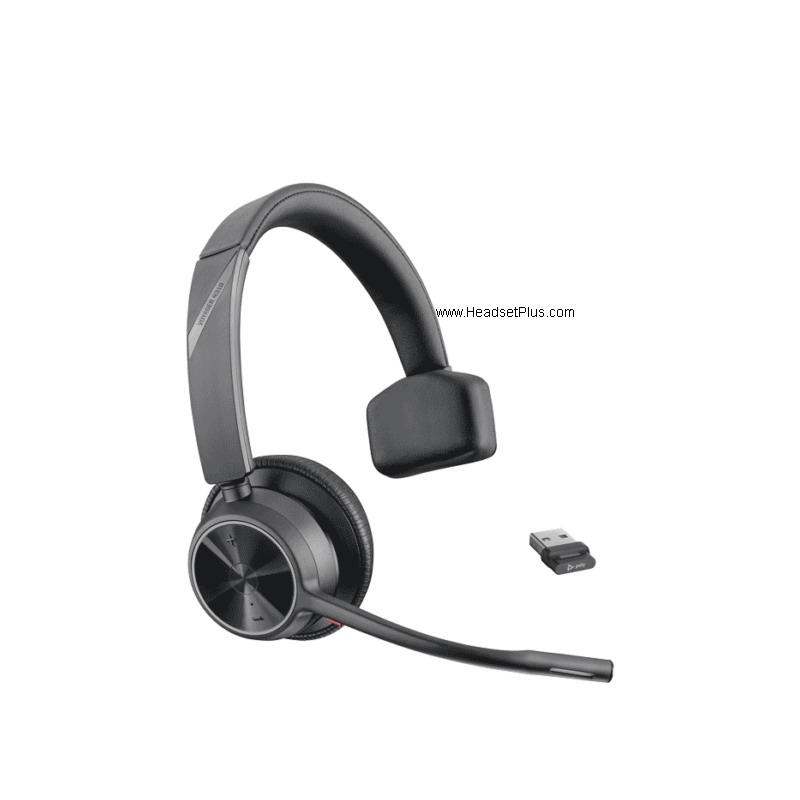 years or so new technology comes out and gets reduced on size and price, for the same reason I will recommend the Poly Voyager 4310 UC, this unit is a Bluetooth class 1 headset and we will discuss its advantages and the withdraws as we did before. Same requirements are needed as with the corded and DECT offers, the integration of the third party software to update firmware and customize the headset, but in this case you can do it from the computer or from your smart phone. To start we can see that the price point is really attractive compared with
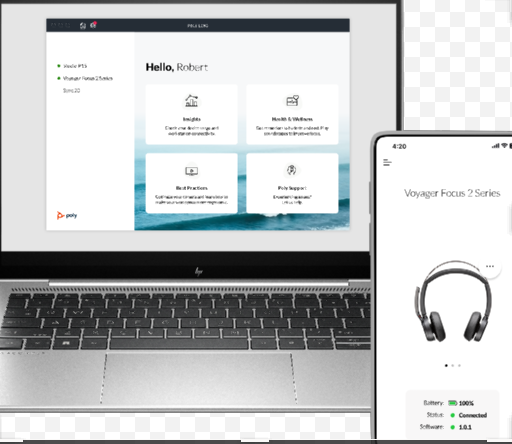 the DECT offers and even compared with USB corded headsets, another benefit is that offers multi-connectivity, meaning that can be used on the computer with the Bluetooth dongle and it can be paired to a cell phone and have them both paired all time so no need to switch back and forward. The biggest withdraw here would be the range, as it would not be as further as the DECT offer, the up to 160 feet is nothing to be dragging about, and for same reason that is a Bluetooth device as soon as you go across a wall or by big metallic appliances you can find connectivity issues, for same reason if you have multiple Bluetooth enable devices is most likely that the headset will encounter some connectivity issues.
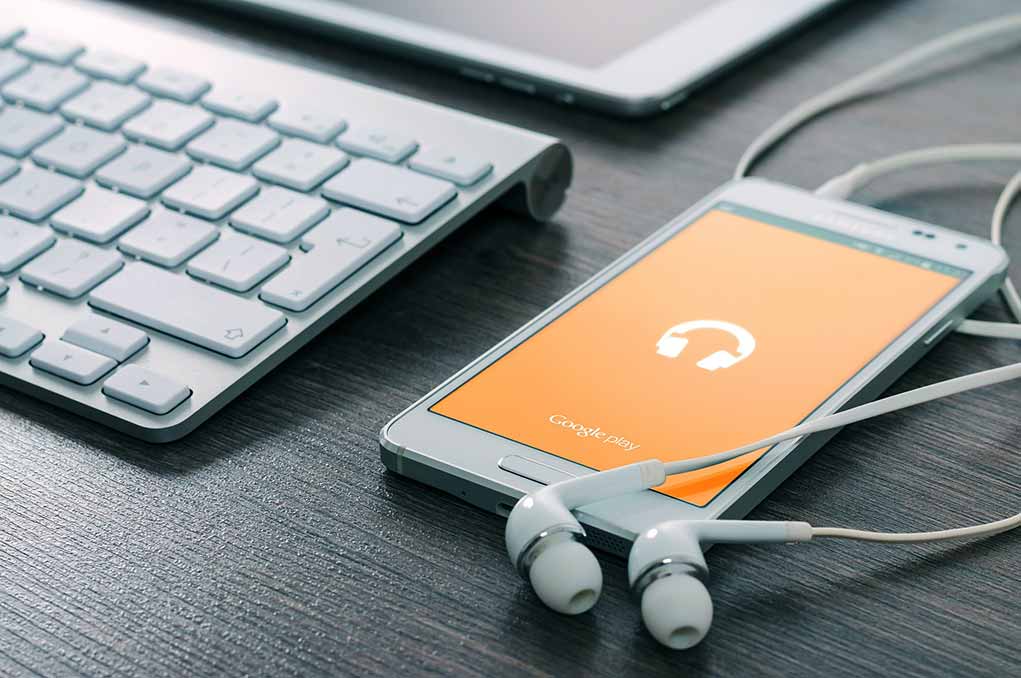
Thanks to the newest USB ports now we can find 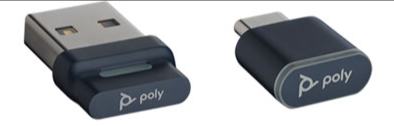 the classic USB-A and the new USB-C parts on any computer, and for the same reason now on corded or wireless headsets (DECT or Bluetooth) you can find the USB-A version or the USB-C version.
I . Corded headsets for mobile devices.
We now are entering on how to install and which headsets will work for your mobile device such as a smart phone (cell phone) or a tablet. And for this we can go with a corded or wireless solution and will show the available solution for each case.
BY 3.5MM JACK
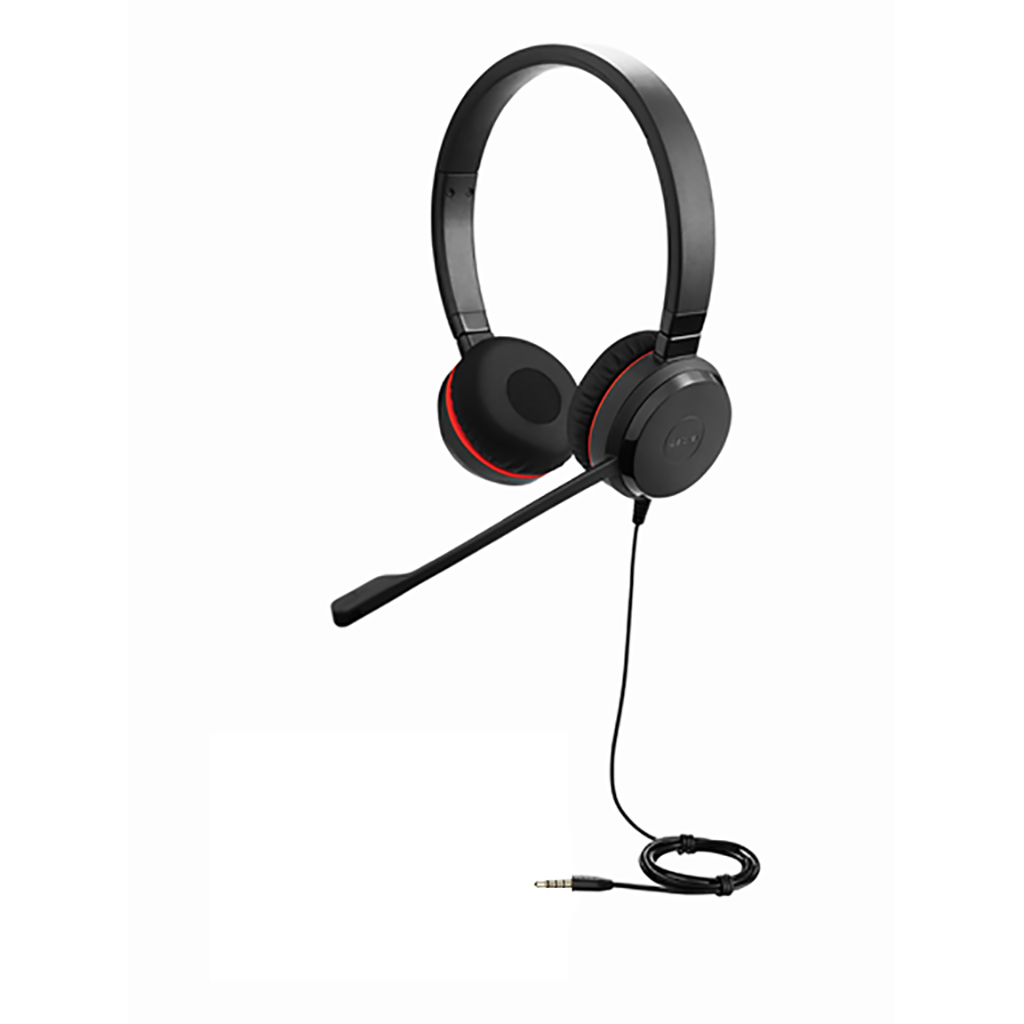 For a corded solution for a smart phone or tablet as long as they have a 3.5mm jack the recommended solution without hurting the wallet would be the Jabra Evolve 30 II Stereo Headset with 3.5mm jack. Pretty straight forward by plugging in the 3.5mm jack of the tablet or cell phone (if it has it) and the sound coming and going will be directed by the cable of the unit, no additional software needed.
Now we are going to dive the corded solutions for smart phones with no 3.5mm jack in iPhone and Android devices. With iPhone users they are going to need the 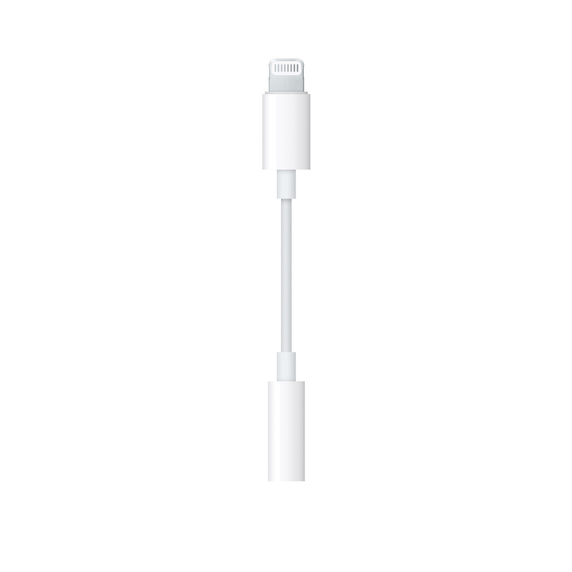 Lightning to 3.5 mm Headphone Jack Adapter that they sell at Apple stores as Apple decided to not give that adapter anymore and after that you will be able to plug in a 3.5mm jack headset to your iPhone. With that being said for that case my personal experience would be better getting a wireless solution and we will discuss more of this further down.
BY USB-C PORT
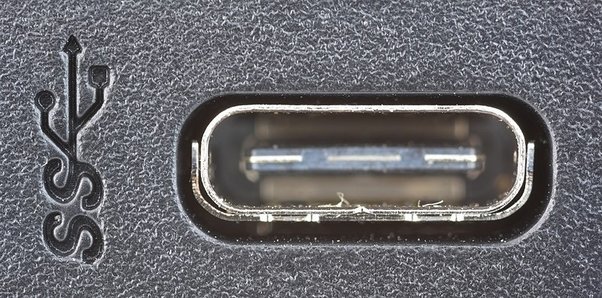 Android users have a little more of options here on corded solutions, mainly because they were the first ones in adopting USB-C charging ports or in some cases they still give 3.5mm adapters with their
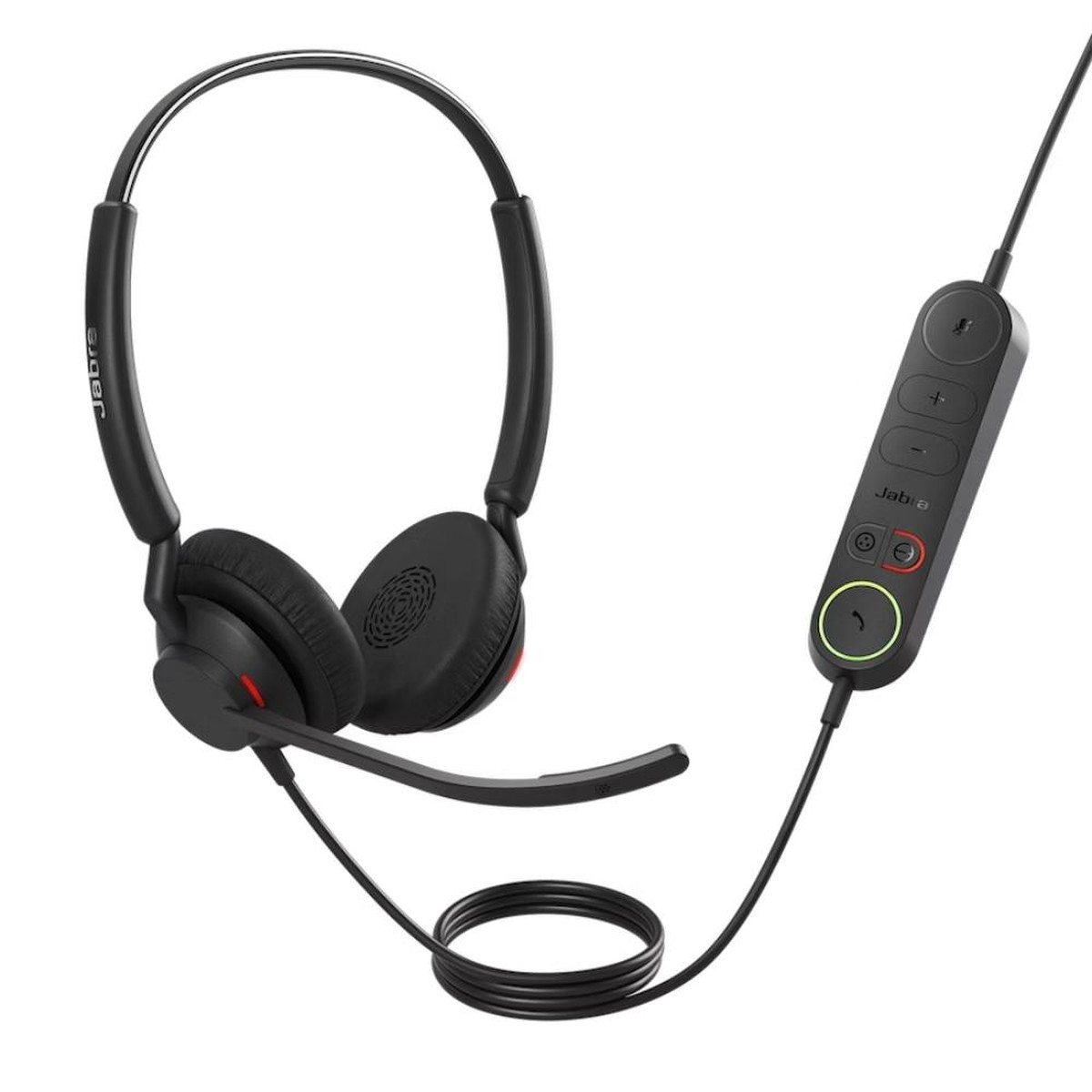 devices. If your Android device has a USB-C port like the one pictured here, I will recommend to get the Jabra Engage 40 Wired Stereo USB-C headset. As it is a USB-C corded headset the Android phone will recognize it as a sound device right away and will stream the sound to the speakers and the microphone will have a crisp sound quality.
For 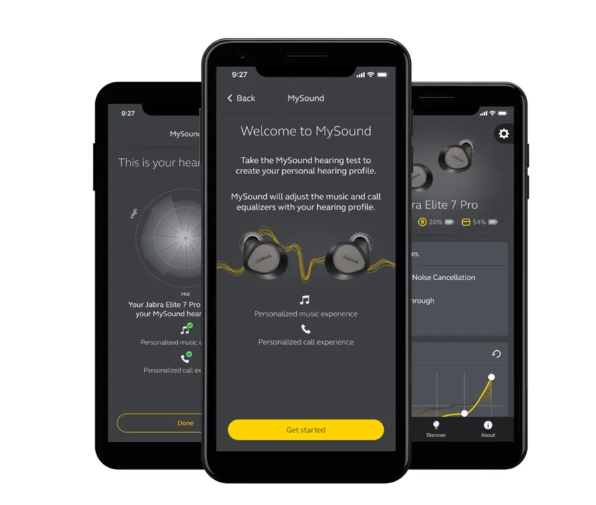 the same reason that the device is plugged by the USB-C port you are going to need to install the third party software so you can customize the sound on the headset and in some other cases you can get access to workout logs as well, one of the perks of having third party software.
J. Wireless headsets for mobile devices.
Now we will discuss the wireless options for your tablet or smart phone, for this 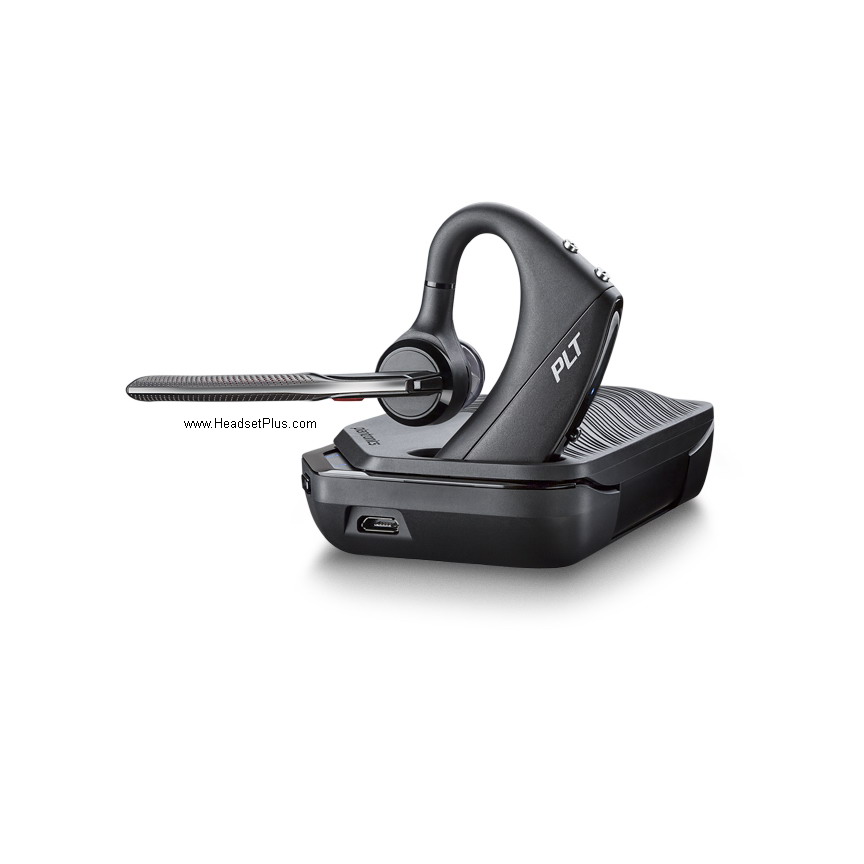 connectivity we only have Bluetooth pairing available as DECT
 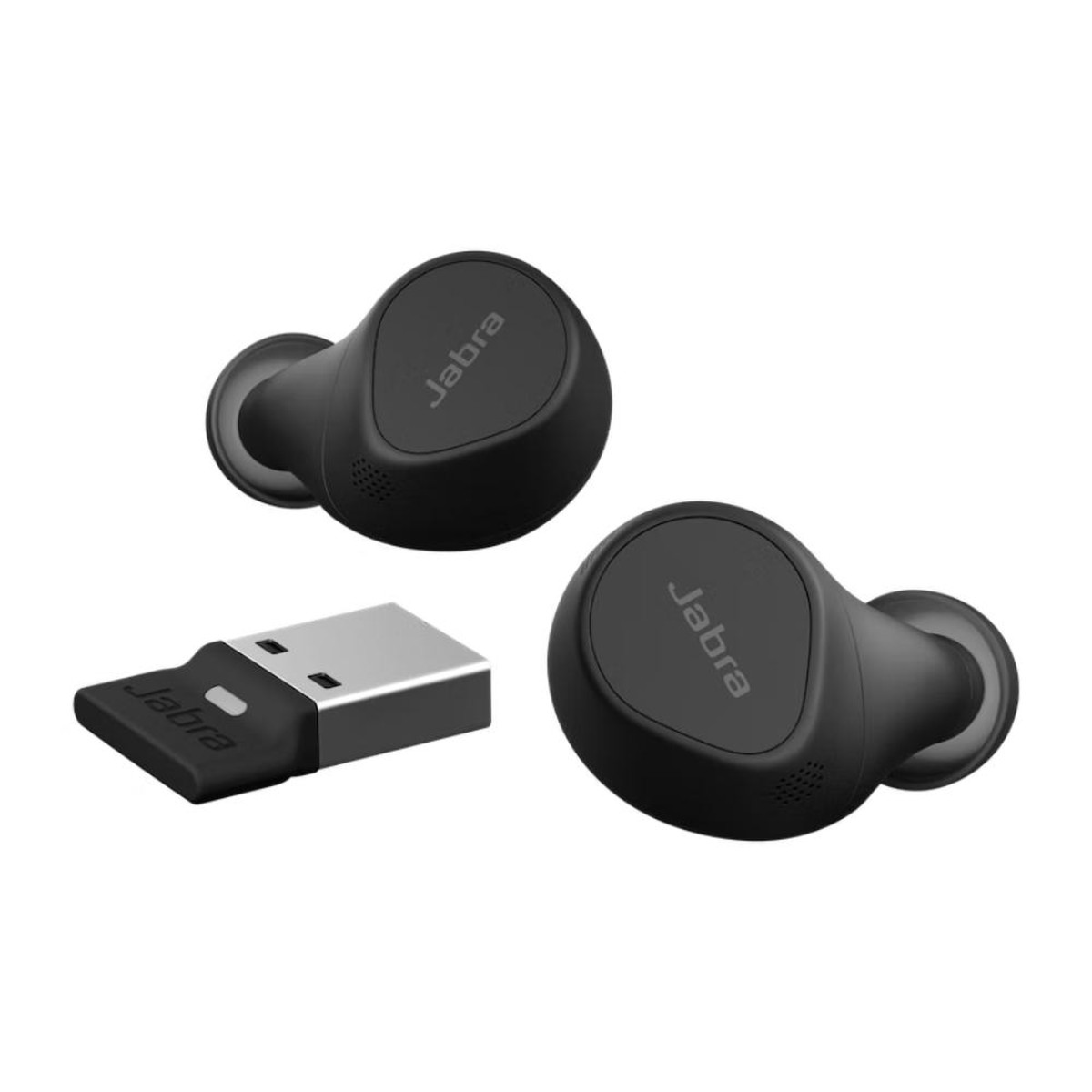 is not available for mobile devices. For the same reason as the headset and the mobile device are in closer with the user, the range is something that we are not going to dig too much, but is advised to get a Class 1 headset such as Plantronics Voyager 5200 UC headset as it will give better range and microphone performance compared with older Bluetooth headsets. A special mention here comes to the Evolve2 Buds as these are UC and Microsoft Teams certified as some people wants the most discrete headset,
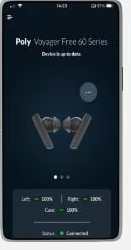 specially if they are on the road all the time or if they want to use them while working out. Thanks to the range and the advanced microphones these 2 offer comfort and performance all day. And same as with a USB headset, the third party software is advised to customize the headset and get the best performance on the microphones.


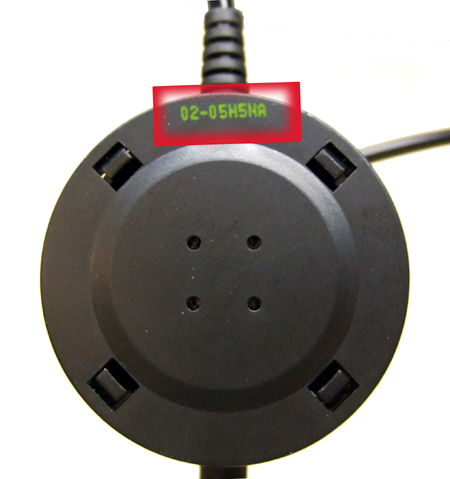
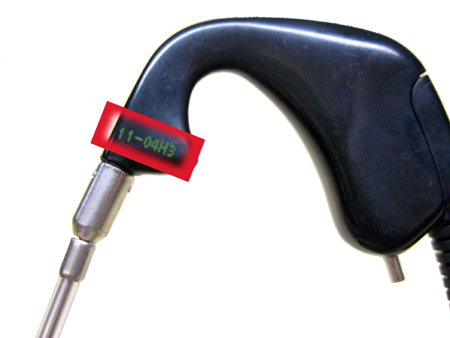 StarSet ~ Models Plantronics H31 and H31N
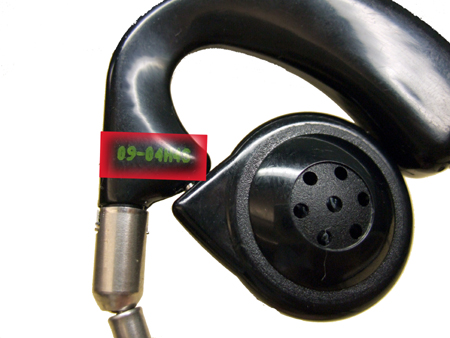
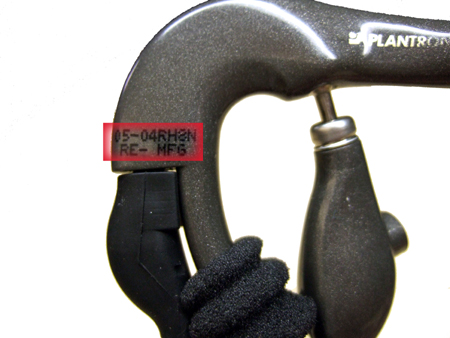
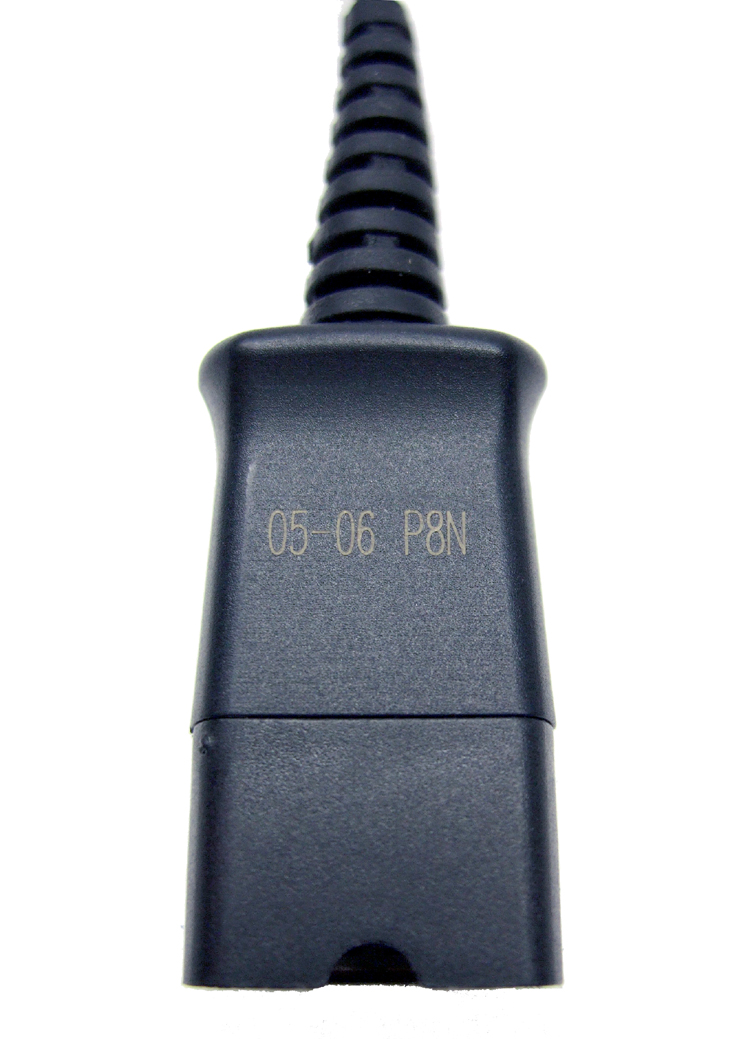
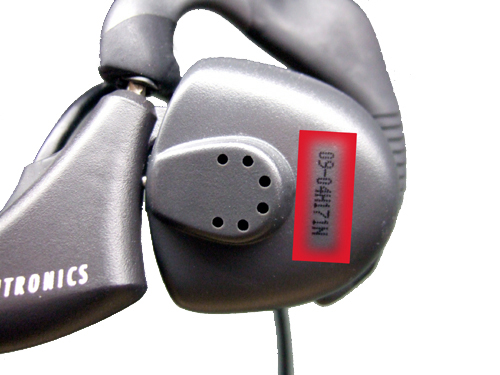
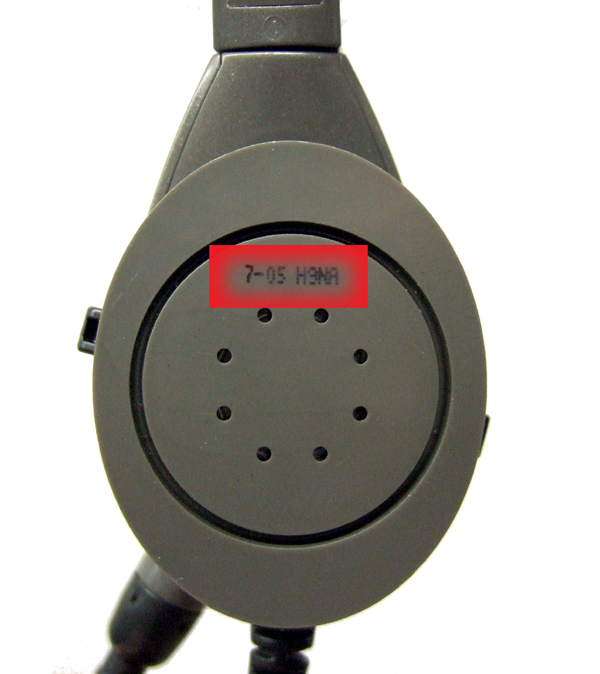
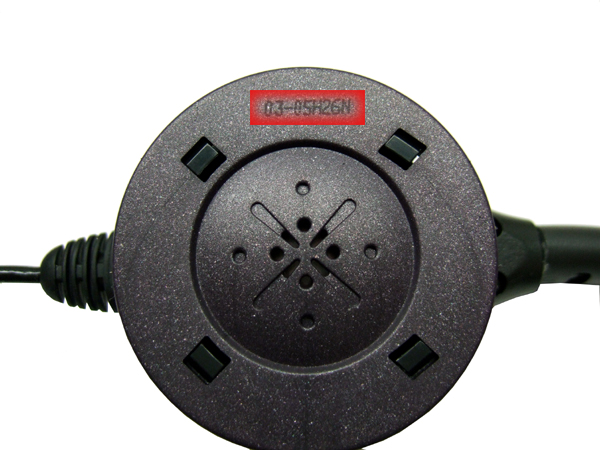
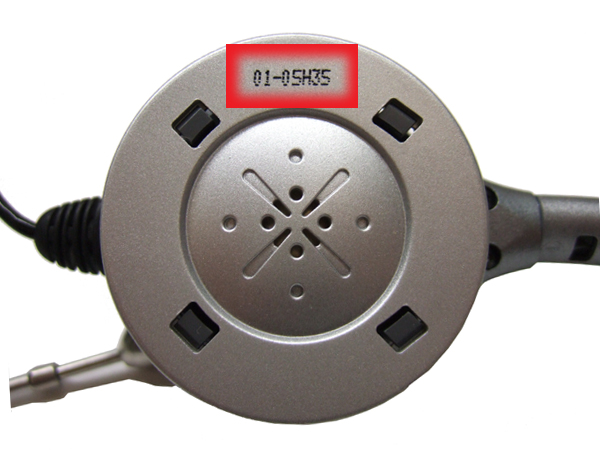






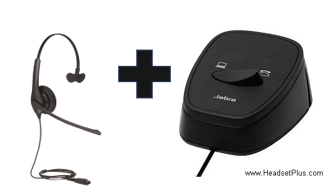 This setup is advised for people wanting to use only one corded headset with the desk phone and the computer. To keep the lower cost there is no volume control or mute key found on the switch. Easy to setup and use and fully compatible with PC and Mac computers and with desk phones with a corded handset. If you need to use the desk phone just trigger the switch to the phone icon, and to the PC icon if need to take a webinar.
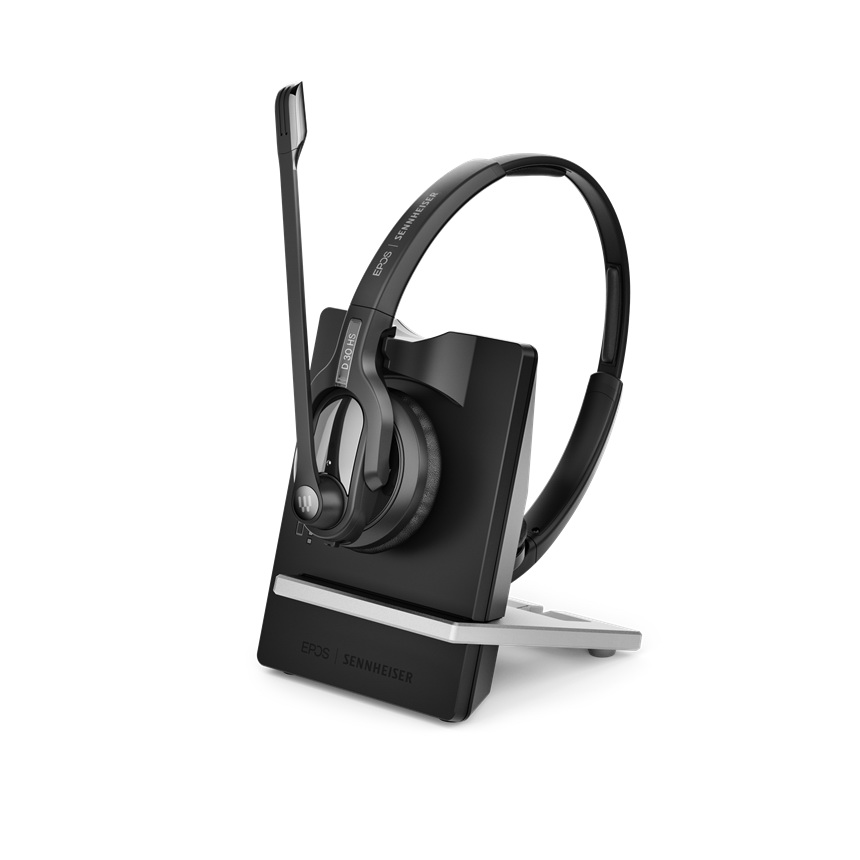 This would be an alternative for a wireless headset covering both ears for a loud office environment with a true stereo sound quality and noise canceling microphone with a little of further range as well of up to 500 feet. The volume control and mute functions are located as well on the headset by itself and with a larger bendable microphone boom arm that can be worn on either side. The base offers a reminder when on mute by changing the light color and flashes.
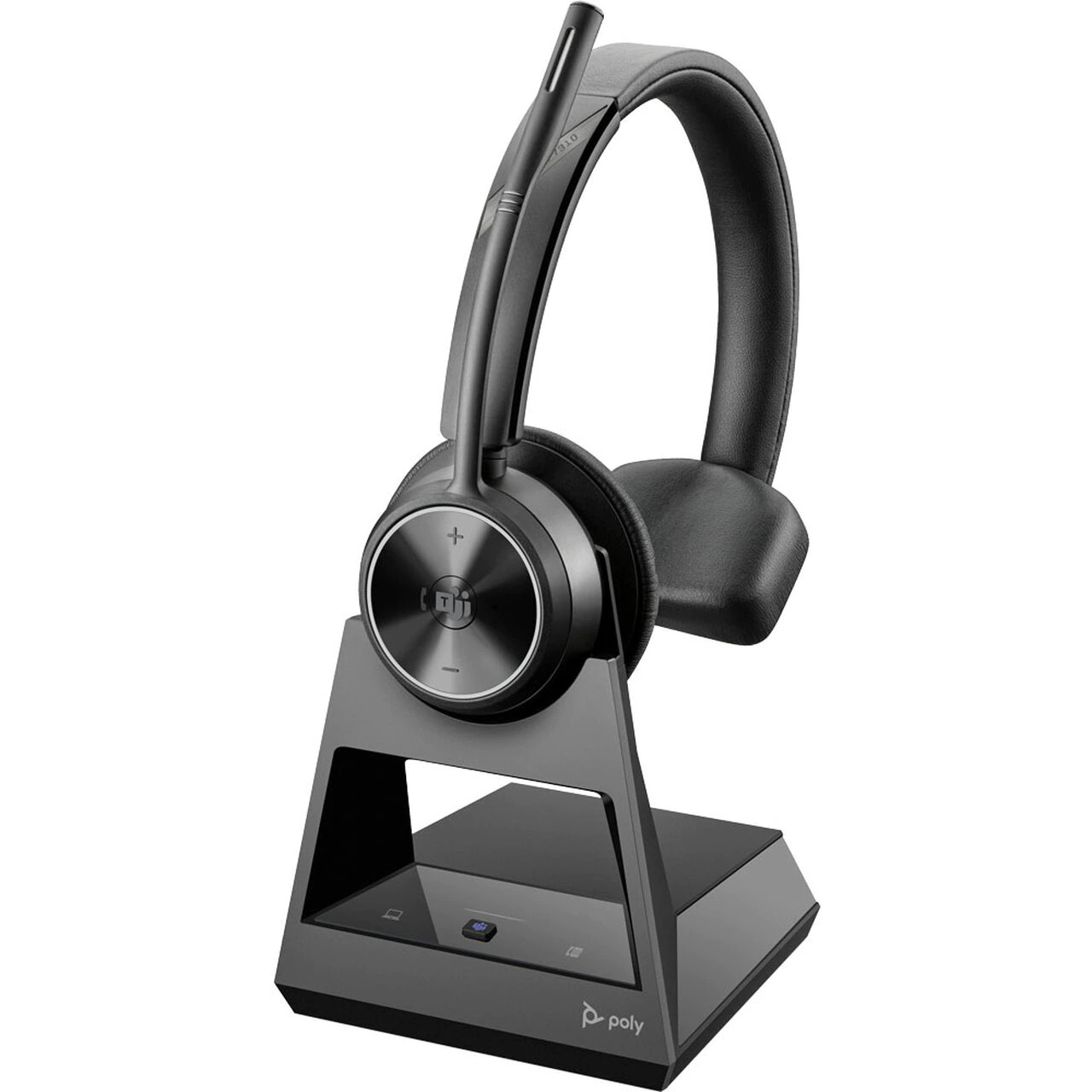 This unit offers what is called dual connectivity allowing to be used with a desk phone and the computer, the base comes with the proper cables to be used with both devices so can leave the base plugged and forget about it as the base will do almost everything on the connections. The base offers a reminder when on mute by changing the light color. The bendable microphone boom arm comes with Acoustic Fence Technology that is a huge improvement over Noise Canceling microphones as can block more background noises like loud fans, barking or lawnmowers for example.
 As you can see, on both cases they all are going to have their Pros and unfortunately, they will have their Cons as there’s not an official winner. On personal experience after testing corded and wireless headsets, the freedom of mobility that a wireless headset offers and the remote answer capability makes it my choice to go for a headset at the office but, the price point is a setback and let me think of a corded solution for a desk phone.